Step 1
Connect the wallet that still controls mint authority
The mint flow only works if the correct wallet still has permission to create new supply. On Solana that usually means Phantom or Solflare.
 SolCreate
Blog Article
A complete 2026 Solana guide for creators who want the clearest route from mint authority to token supply management.
If you are searching for how to mint tokens, you are usually trying to do one of two things: launch a token for the first time or mint more supply for a token that already exists. Those are connected, but they are not the same action.
This guide explains the difference, shows how mint authority and mint accounts work on Solana, and connects that search intent with the practical tools you actually need. If the token is not live yet, start with the live Solana creator tool. If it already exists, move into the mint tokens tool.
Introduction
What minting means
Minting means creating new supply for a token that already exists on-chain. On Solana, that supply increase is only possible while mint authority is still active.
Why it matters in Web3
Minting powers treasury top-ups, community rewards, vesting allocations, game economies and later launch operations. It is one of the core actions behind token supply management.
Why users get confused
Many people search how to mint tokens when they actually mean create a brand-new token. The cleaner path is to use a Solana token creator first, then return to mint more supply only if the project still needs it.
Token basics
Fungible tokens
Fungible tokens are interchangeable units such as SPL tokens on Solana or ERC-20 tokens on Ethereum. Minting more supply changes the total amount in circulation.
Non-fungible tokens
NFTs are unique assets with their own metadata and identity. They also use minting terminology, but the flow is different from routine supply expansion for fungible launch tokens.
Token standards
Solana uses SPL token standards, while Ethereum usually means ERC-20 for fungible tokens. The mint-authority model, wallet support and launch culture vary by chain.
Solana mint flow
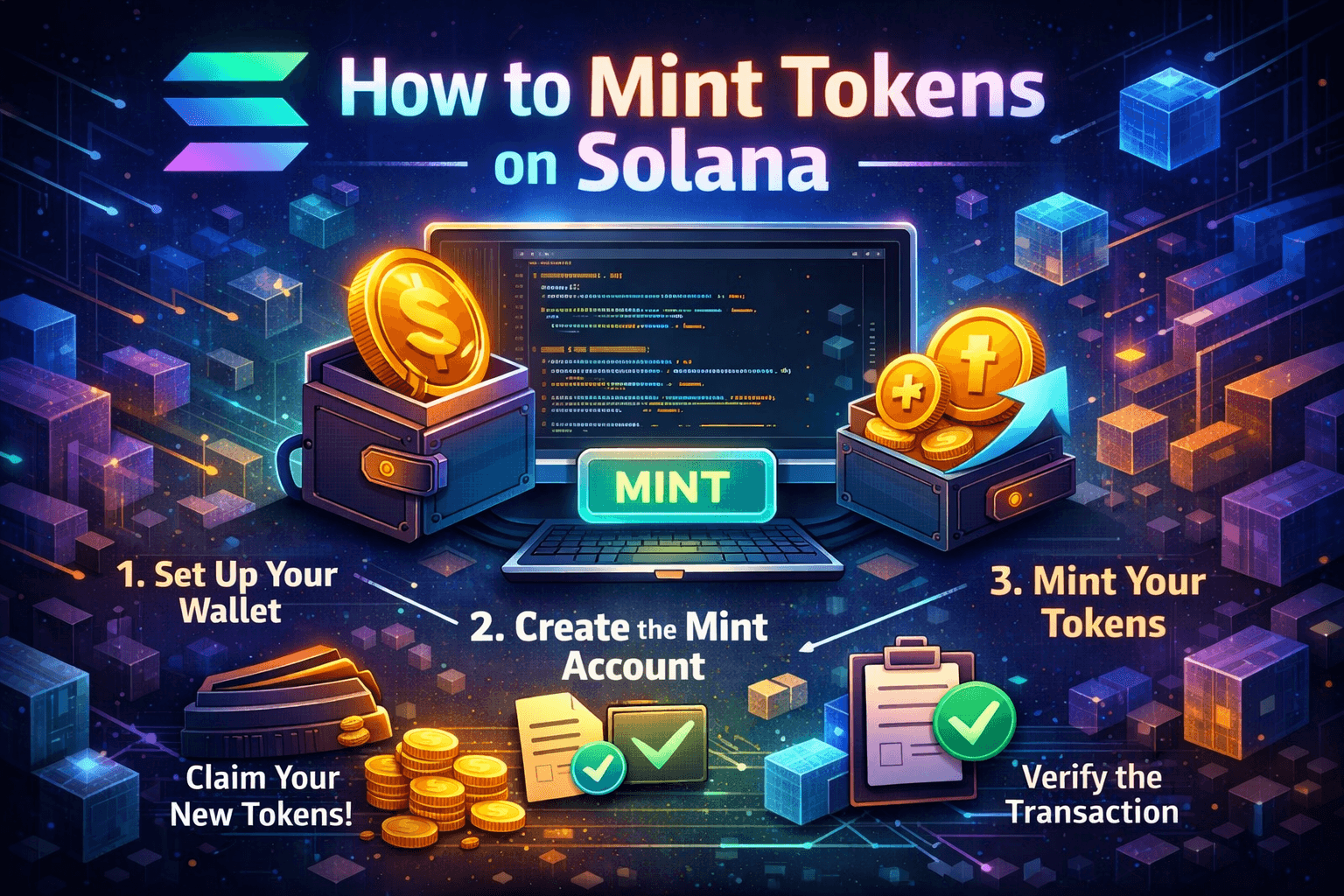
Most users do not need a giant blockchain tutorial. They need the right order of operations: connect the correct wallet, verify mint authority, choose the destination account, enter the amount and confirm the transaction.
Step 1
Connect the wallet that still controls mint authority
The mint flow only works if the correct wallet still has permission to create new supply. On Solana that usually means Phantom or Solflare.
Step 2
Load the token mint and verify the mint account
The mint account defines the token, its decimals and the authority behind it. If the mint is wrong, the whole supply change is wrong.
Step 3
Choose the destination wallet or token account
Decide where the new supply should go. A safer mint flow resolves the associated token account automatically instead of forcing you to guess.
Step 4
Enter the amount and review tokenomics
Minting is not just technical. It changes supply and market perception. Review whether more inflation actually fits the project before you sign.
Step 5
Confirm the transaction and verify the result
After the wallet confirmation, review the resulting signature and the updated token balance on-chain so the change is fully transparent.
Easiest route
Many pages about how to mint token make the topic sound harder than it is. For most creators, the shortest useful route is simple: use a creator to launch the mint account, then use a dedicated mint flow later if the token actually needs more supply.
That is why the SolCreate stack separates the Solana token creator guide from the later mint token supply flow.
No-code vs developer
No-code route
Best for creators who want speed, clearer wallet prompts and a simpler path from token creator to later supply management.
Developer route
Useful if you need Anchor, CPI or custom automation, but usually slower and more error-prone for normal mint-authority tasks.
Solana token creator route
Use the creator first if the token does not exist yet. Use the mint tool only after the token is live and mint authority is still active.
Tokenomics and liquidity
A mint transaction is never just a button click. It changes the circulating picture around your token and can affect trust, treasury planning and later liquidity decisions. If your audience expects a fixed supply, random minting later can damage confidence quickly.
That is why minting more tokens should usually be paired with a clear explanation of why the new supply exists and what happens next. For some projects the next step is a liquidity move. For others it is vesting, treasury allocation or later burn actions.
Security and control
Mint authority is the permission that matters most
If mint authority is still active, the connected wallet or program can create more supply. If it was revoked, the supply is fixed and no more tokens can be minted through the normal path.
That is why good mint tools validate authority before execution and make the destination account visible. Hidden minting or weak admin controls are exactly the kind of mistakes that damage trust.
Mint authority Solana routing
If the question is whether a token can still expand supply, use the dedicated mint-authority pages before signing another mint transaction. They explain active, removed and unknown states as supply-risk context, then route back into the scanner when holder and liquidity evidence also matters.
Common mistakes
Related tools
The best next pages after this mint tokens guide
Open mint tokens tool
Go straight into the live mint-authority flow for an existing Solana token.
Read mint token supply page
Use the guide version if you want the shorter explanation first.
Open live Solana creator tool
Start here if the token does not exist yet and you are still in the creation phase.
Read Solana token creator guide
Support the wider Solana token creator cluster before the live launch flow.
Add Liquidity Guide
Plan the next launch step once the token and its supply are ready for trading.
Read burn SPL token guide
Understand the opposite supply action after you have explored minting more tokens.
Check mint authority on Solana
Route mint authority Solana searches into the dedicated supply-risk guide before users decide whether more supply is appropriate.
Use mint authority checker
Review active, removed or unknown authority state in the scanner cluster instead of treating this minting guide as the whole risk answer.
FAQ
What is the easiest way to mint tokens?
For most users, the easiest route is a no-code mint tool that loads the mint, checks mint authority, resolves the destination account and guides the wallet transaction clearly.
How is minting different from creating a token?
Creating a token launches the original mint account and token setup. Minting more tokens is a later action that increases supply for a token that already exists.
What is mint authority?
Mint authority is the permission that allows a wallet or program to create new token supply. If it was revoked, minting more tokens is no longer possible.
Do I need coding skills to mint tokens on Solana?
No. Developers can use Anchor and SDKs, but most creators can handle normal supply management through a guided wallet-based flow.
What should I do after minting?
Review the updated supply and then decide whether the next step is liquidity, burning supply, vesting or another launch action.
Should I use a Solana token creator first?
Yes, if the token is not live yet. The Solana token creator handles the original mint account and launch setup. The mint tool comes later.
Author
Written by the SolCreate editorial team
This guide was prepared by the SolCreate editorial team with a focus on practical Solana token management, mint-authority education and no-code launch workflows that are easier to trust and easier to use.
If you want to get in touch about the article or the wider product stack, you can use the contact page.
Final CTA
Need the fastest route from token creation to minting more supply?
Start with the 0.03 SOL Solana token creator if the token is not live yet. If the token already exists and mint authority is still active, move straight into the mint flow and handle the supply change with a guided wallet confirmation.