SolCreate multi-network token creator logoSolCreate
Home/Blog/How to Remove Liquidity

Blog Article

How to Remove Liquidity

If you are searching for how to remove liquidity, you usually want one thing: a clear and safe way to withdraw funds from a liquidity pool without getting lost in technical jargon. In most cases, the process is much simpler than people expect, as long as you control the correct wallet, the correct position and enough gas for the transaction.

This guide explains the full process in plain English. You will learn what removing liquidity actually means, when it makes sense, what risks to watch for and the exact steps to withdraw safely. If you already know the pool you want to manage, jump straight into the Solana liquidity tool or the Ethereum liquidity flow.

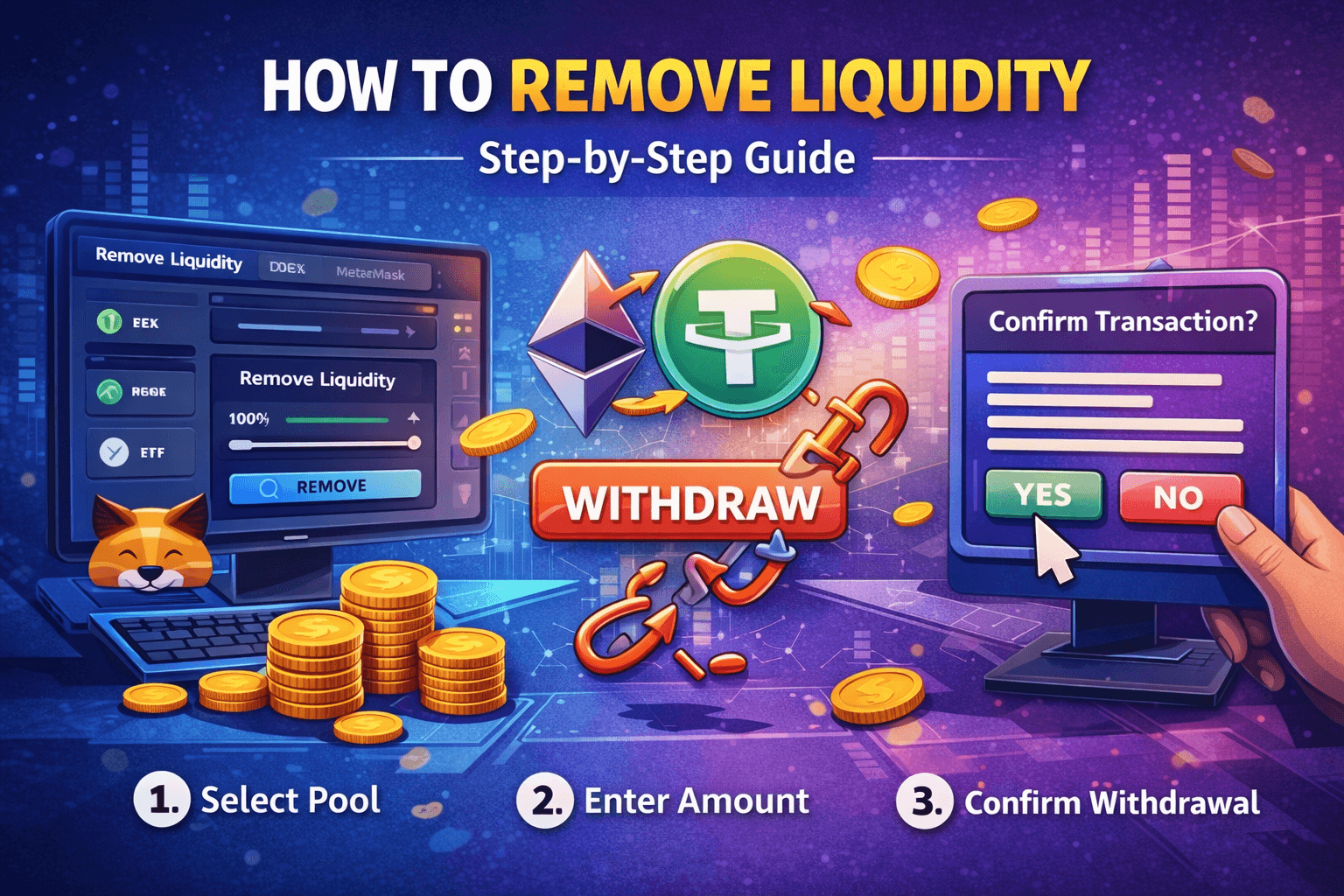
How to remove liquidity safely with step-by-step crypto LP withdrawal visuals

Step 1

Select Pool

Find the exact pool or LP position you actually own before touching the remove button.

Step 2

Enter Amount

Choose whether to remove part of the position or withdraw everything.

Step 3

Confirm Withdrawal

Review the expected token return and sign from the correct wallet.

What it means

Removing liquidity means withdrawing your share of the pool back to your wallet

When you add liquidity, you deposit assets into a pool to support trading on a decentralized exchange. In return, you receive proof of your position, usually LP tokens or another on-chain object.

When you remove liquidity, you return that position to the protocol and receive back your share of the pooled assets, plus any fees earned by the position, depending on the pool mechanics.

Add liquidity = deposit assets into the pool

Hold LP position = own a share of the pool

Remove liquidity = withdraw your share back to your wallet

Warning

You cannot remove liquidity if you no longer control the LP position

Before trying to remove liquidity, confirm that the wallet still holds the LP tokens or whatever asset represents that position.

If the LP was burned, locked or transferred elsewhere, the remove step may fail or be impossible until the lock ends, or permanently if the position is unrecoverable.

Why people remove liquidity

Removing liquidity is a normal action when risk or strategy changes

Some users remove liquidity to take profits. Others want to reduce exposure, move to another DEX or close a position after a launch campaign ends. Removing liquidity is not automatically a problem. The important part is doing it carefully.

Take profits or reduce exposure during volatile conditions.
Move funds to another DEX, another chain or a different pool.
Close an old position before a migration, relaunch or strategy change.

Step by step

How to remove liquidity in 7 safe steps

The safest withdrawals follow a simple rhythm: verify the pool, verify the position, review the output and only then sign. The clicks are not hard. The discipline is what protects your funds.

Step 1

Confirm which pool or position you own

Start by finding the exact liquidity position you want to withdraw. Check the wallet, the token pair, the chain and whether you are dealing with a normal LP position or a concentrated-liquidity style position.

Step 2

Make sure you still control the LP position

You can only remove liquidity if you still control the asset that represents the position. On many DEXs that means LP tokens. On others it may be another on-chain position object.

Step 3

Open the correct DEX or supported remover

The safest route is usually the original DEX interface or a remover that supports that exact pool type. Most users are better off with a guided interface than a low-level SDK flow.

Step 4

Choose how much you want to withdraw

Pick a percentage, enter a custom amount or choose Max. A partial withdrawal can make sense when you only want to secure some profits or reduce risk without fully closing the position.

Step 5

Review what you will receive

Always inspect the expected amount of token A, token B, any fee earnings and the gas or network cost before confirming. The token mix may not match the original deposit exactly because the pool changed over time.

Step 6

Confirm the transaction in your wallet

This is the final checkpoint. Verify the network, the contract interaction, the gas fee and the amount you selected before signing.

Step 7

Wait for confirmation and verify the wallet balance

After the transaction confirms on-chain, refresh the DEX page and your wallet, confirm the position is reduced or gone and save the transaction hash for your records.

Comparison

DEX UI vs direct remover vs developer SDK

DEX UI

  • Usually the safest and easiest route for most users.
  • The position is often already visible under liquidity or positions.
  • Reduces the chance of selecting the wrong pool.

Direct pool remover

  • Useful when it supports the exact pool type you need.
  • Can be faster for repeated pool-management tasks.
  • Still needs clear previews and the correct chain context.

Developer SDK

  • Flexible, but much more technical and easier to misuse.
  • Usually not what beginners mean when they search this query.
  • Best reserved for advanced workflows or protocol-specific tooling.

Important risks

What to think about before you withdraw

Impermanent loss can change the withdrawal amount

If the price relationship between the two pooled assets changed while the liquidity was live, the asset mix you receive back may differ from what you originally deposited.

Large removals can affect market confidence

If you are a token team, pulling a large share of liquidity can reduce trading depth and may be interpreted negatively by the market if it happens without context.

You still need the correct wallet and gas token

No gas token means no transaction. Even if the position is there, you still need the correct wallet on the correct network with enough native currency for fees.

Common mistakes

Avoid these removal mistakes

Using the right wallet on the wrong chain.
Looking in the wrong DEX or incompatible interface.
Forgetting that LP tokens or position NFTs still represent the pool share.
Removing 100% by accident when only a partial withdrawal was intended.
Ignoring the token amount preview and blindly signing the final transaction.
For project teams, underestimating the market impact of a large removal.

FAQ

Frequently asked questions about removing liquidity

Can I remove liquidity at any time?

In many cases, yes, as long as you still control the liquidity position and the protocol does not impose a lock. If the LP tokens or the position asset were burned or permanently transferred, removal may no longer be possible.

What do I receive when I remove liquidity?

You usually receive your proportional share of the token pair, plus any fees earned by the position, subject to how the pool works.

Why are the returned amounts different from what I deposited?

Because prices and pool balances change over time. That is one reason impermanent loss exists, and it can change the asset mix you receive back.

Do I need LP tokens to remove liquidity?

On many DEXs, yes. On others, the position may be represented differently, such as by a concentrated-liquidity position. What matters is whether you still control the position asset.

Can I remove only part of my liquidity?

Yes. Many interfaces allow partial withdrawals through percentages or custom amounts instead of forcing a full exit.

Why is the remove button not working?

Common reasons are the wrong wallet, wrong chain, missing gas, not controlling the LP position anymore or opening the wrong DEX for that pool type.

Is removing liquidity bad for a token project?

Not automatically, but removing a large amount can reduce trading depth and may hurt market confidence if users interpret it negatively.

What is the easiest way to remove liquidity?

For most people, the easiest path is the DEX or guided remover where the position is already visible, because it lowers the chance of choosing the wrong pool or wrong network.

Author

Written by the SolCreate editorial team

This guide was prepared by the SolCreate editorial team with a focus on practical liquidity management, clearer no-code explanations and safer launch workflows across Solana and Ethereum.

If you want to get in touch about the article, partnerships or the broader launch stack, you can reach out through the contact page.

Final CTA

Need a simpler way to manage your liquidity position?

The safest remove-liquidity flow is still the one that helps you identify the right pool, preview the withdrawal and sign from the correct wallet without extra friction.

If you already know the position you want to manage, go straight into the live remove flow and review the withdrawal from there.