
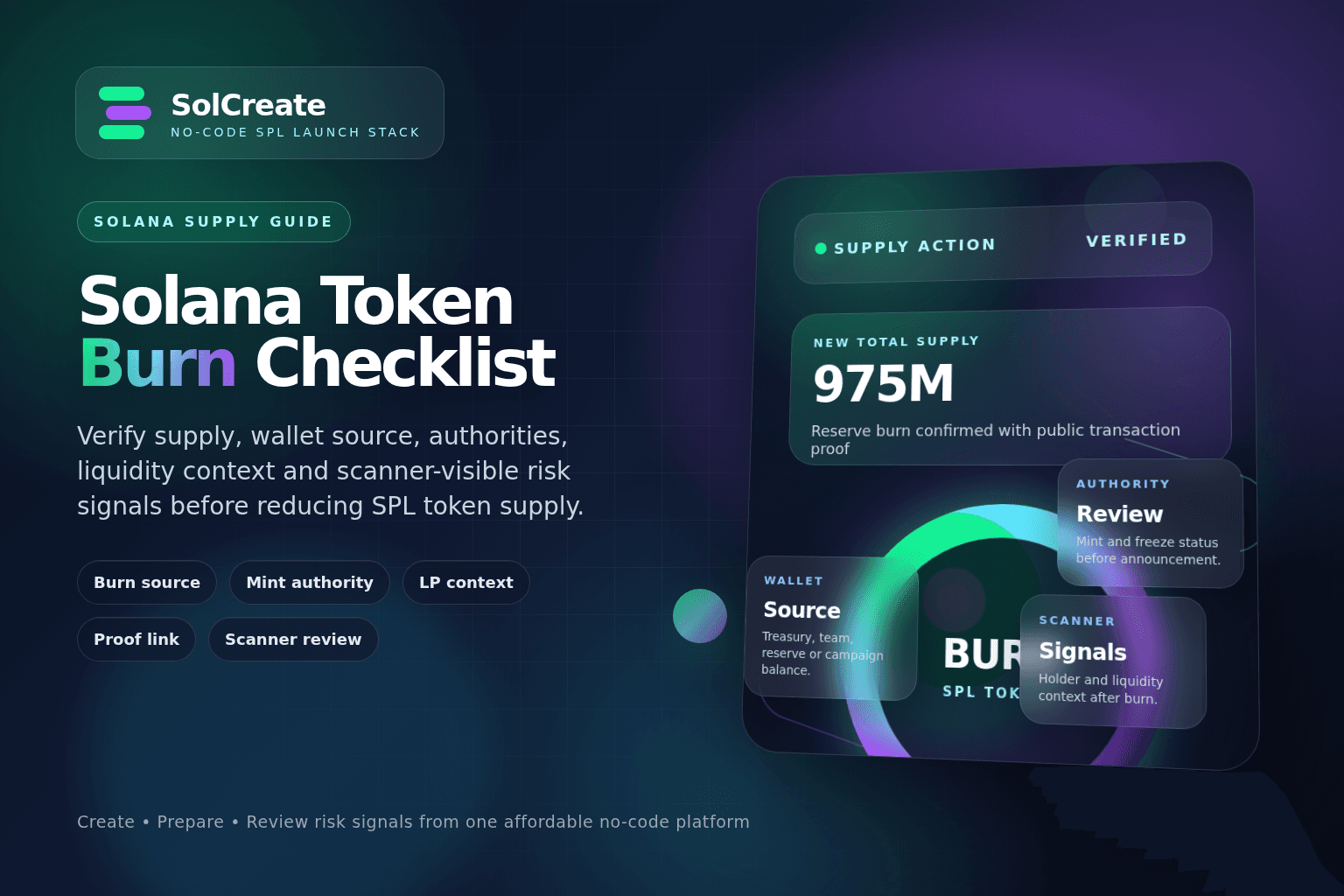
Quick facts
Token burn
Supply reduction
A transaction that permanently removes SPL tokens from a wallet balance and reduces visible token supply.
Burn source
Wallet context
The allocation bucket the tokens come from, such as treasury, unsold sale supply, rewards reserve or team balance.
Supply signal
Not full safety
A burn may reduce supply, but buyers still review authorities, liquidity, holders and wallet behavior.
LP context
Separate action
Burning normal SPL tokens is different from burning LP tokens. Each action communicates a different launch signal.
Why token burns need planning
A burn is permanent. Once the transaction is confirmed, the burned tokens are no longer controlled by the wallet and cannot be used for liquidity, rewards, treasury operations, vesting, multisender campaigns or future utility. That permanence is the reason burns can be meaningful, but it is also why they need planning.
Creators sometimes treat burns as a marketing event first and an operations decision second. That can create problems. If a team burns supply without explaining where the tokens came from, holders may not know whether circulating supply changed or whether only an unused reserve was removed.
The best burn plans answer a simple question: what problem does this burn solve? It might remove unused supply, simplify tokenomics, close a campaign allocation, reduce a reserve that is no longer needed or make the allocation table easier to understand. If there is no clear answer, wait.
Confirm the token mint and wallet balance
Before any burn, confirm the exact Solana token mint address. Do not rely on a symbol, logo or token name alone. Symbols can be duplicated, metadata can be updated in some cases and fake tokens can copy brand elements. The mint address is the source of truth.
Then confirm which wallet holds the tokens to be burned. The wallet must contain the token balance and must be able to sign the burn transaction. If the tokens are in a multisig, treasury account, contributor wallet, vesting contract or liquidity-related position, the operational path may be different.
Checks before opening a burn tool
Decide whether the burn changes circulating supply
Not every burn sends the same signal. Burning tokens from a wallet that was already out of circulation may be different from burning tokens that were actively available to the market. Burning an unused treasury reserve can make the total supply smaller, but it may not change the number of tokens currently trading.
This distinction matters because buyers often ask whether a burn changed real distribution or only removed idle supply. Neither is automatically good or bad, but the communication should be honest.
Common burn source categories
Separate SPL token burns from LP burns
Burning normal SPL tokens is not the same as burning LP tokens. A normal token burn reduces the supply of that token. An LP token burn usually means sending liquidity-provider tokens to an inaccessible address so the liquidity position cannot be withdrawn by the original holder.
A normal token burn is about supply. An LP burn is about liquidity control. Creators should avoid using vague wording like “we burned liquidity” unless the action was actually an LP token burn. Likewise, do not say “liquidity is locked” if the team only burned normal token supply.
For Solana launches, buyers may review token burns alongside Raydium or OpenBook market context, LP custody, lock status, remove-liquidity ability, mint authority, freeze authority and holder distribution. A burn does not replace those checks.
Check authority settings before and after the burn
A burn looks stronger when the rest of the token control story is clear. If mint authority is still active, a supply reduction may raise an obvious question: can the supply be increased again later? Sometimes there is a valid reason to keep mint authority, such as rewards emissions or utility mechanics, but it must be explained.
Freeze authority is another important signal. If freeze authority remains active, token accounts could potentially be frozen by the authority holder. This is not directly changed by a burn, but buyers often review these settings together.
Burn amount calculation
- 1Current total supply
- 2Current wallet balance
- 3Proposed burn amount
- 4Remaining wallet balance after burn
- 5New total supply after burn
- 6Allocation table after burn
- 7Public explanation of why the amount was chosen
Prepare proof and announcement copy
A burn announcement should help people verify the action without trusting screenshots. Include the token mint address, burn transaction link, amount burned, source wallet context and the reason for the burn. If the burn is part of a broader launch update, include the relevant authority and liquidity context too.
Good wording is practical: “Today we burned 25,000,000 unused reserve tokens from the community rewards wallet. The burn reduces total supply from 1,000,000,000 to 975,000,000 tokens. Mint authority remains revoked, and the burn transaction can be verified here: [transaction link].”
Riskier wording is hype-driven: “Massive burn completed. Supply shock incoming. This token is now safer.” The second version makes promises that a burn cannot support.
Review scanner-visible signals after the burn
After the burn is confirmed, the token’s public profile may change. Total supply may update, wallet balances may shift and scanner tools may surface new context. However, buyers will not only look at the burn transaction. They may also review top holders, authority settings, liquidity, LP control, metadata, wallet clusters and recent transfers.
A burn from one wallet can make another concentration issue more visible. If a treasury wallet burns a large reserve, the largest remaining holder may now represent a bigger percentage of supply. These shifts should be understood before the announcement.
Post-burn review
Where SolCreate fits in the burn workflow
SolCreate is positioned as a no-code Solana token launch stack, not only a one-click token generator. A practical creator workflow may start with the Solana Token Creator, then move through metadata, authority decisions, liquidity planning, vesting, multisender distribution, burn tools and scanner-based risk-signal review.
- 1Create or manage the SPL token with final mint and metadata context.
- 2Confirm supply, decimals and the wallet that will sign the burn.
- 3Review mint authority, freeze authority and metadata authority status.
- 4Plan liquidity and LP handling separately from normal token burns.
- 5Burn tokens only when the source and amount are clear.
- 6Use scanner-style review to understand how the burn appears publicly.
- 7Communicate the transaction proof, mint address and source-wallet context without hype.
Practical Solana token burn checklist
- 1Confirm the token mint address.
- 2Confirm the wallet that holds the tokens.
- 3Confirm the burn amount in display units.
- 4Check token decimals so the amount is not misread.
- 5Identify the allocation bucket the tokens come from.
- 6Decide whether the burn affects circulating supply or only reserve supply.
- 7Review mint authority and freeze authority status.
- 8Separate normal token burn messaging from LP burn or LP lock messaging.
- 9Calculate the new total supply after burn.
- 10Review how top holder percentages may change.
- 11Prepare the transaction proof link.
- 12Write a clear public explanation before the burn is promoted.
- 13Run a scanner-style review after the burn is visible.
- 14Update any public tokenomics page if the supply table changes.
FAQ
What does burning a Solana token mean?
Burning a Solana token means permanently removing a specific amount of SPL tokens from a wallet balance. The burn reduces token supply and is visible on-chain once the transaction is confirmed.
Does burning tokens make a Solana project safer?
No. A burn is only one supply signal. Buyers may still review mint authority, freeze authority, liquidity, LP control, holder concentration, metadata, wallet clusters and project behavior. A burn does not guarantee safety or future value.
Should I revoke mint authority before a token burn?
Many community and meme coin launches revoke mint authority so the supply cannot be increased again after creation. If mint authority remains active, the project should clearly explain why future minting is possible and who controls that authority.
Is burning SPL tokens the same as burning LP tokens?
No. Burning normal SPL tokens reduces token supply. Burning LP tokens is usually about making a liquidity position non-withdrawable by the original holder. The two actions communicate different things and should not be mixed in public messaging.
What should I announce after a Solana token burn?
A clear burn announcement should include the token mint address, amount burned, source wallet or allocation context, new total supply, transaction link and any relevant authority or liquidity context. Avoid claims about guaranteed price impact or safety.
How does SolCreate help with token burns?
SolCreate helps creators manage the broader no-code launch workflow around SPL tokens, including token creation, metadata, authority planning, liquidity-related tools, burns, multisender distribution, vesting and scanner-based risk-signal review.
Final thoughts
A burn can be a useful supply-management action, but it is not a magic trust signal. It does not guarantee demand, price movement, safety or long-term project quality. It is one public on-chain event that should fit a clear launch or post-launch plan.
Use the burn checklist before signing, not after the community starts asking what changed.
For SPL creators, the key is to verify the source wallet, burn amount, mint authority, freeze authority, liquidity context and public proof before reducing supply.