Best next route
After creation
Open liquidity work only after the Sonic token contract, owner wallet and launch note are ready.
 SolCreate
Sonic Liquidity Guide
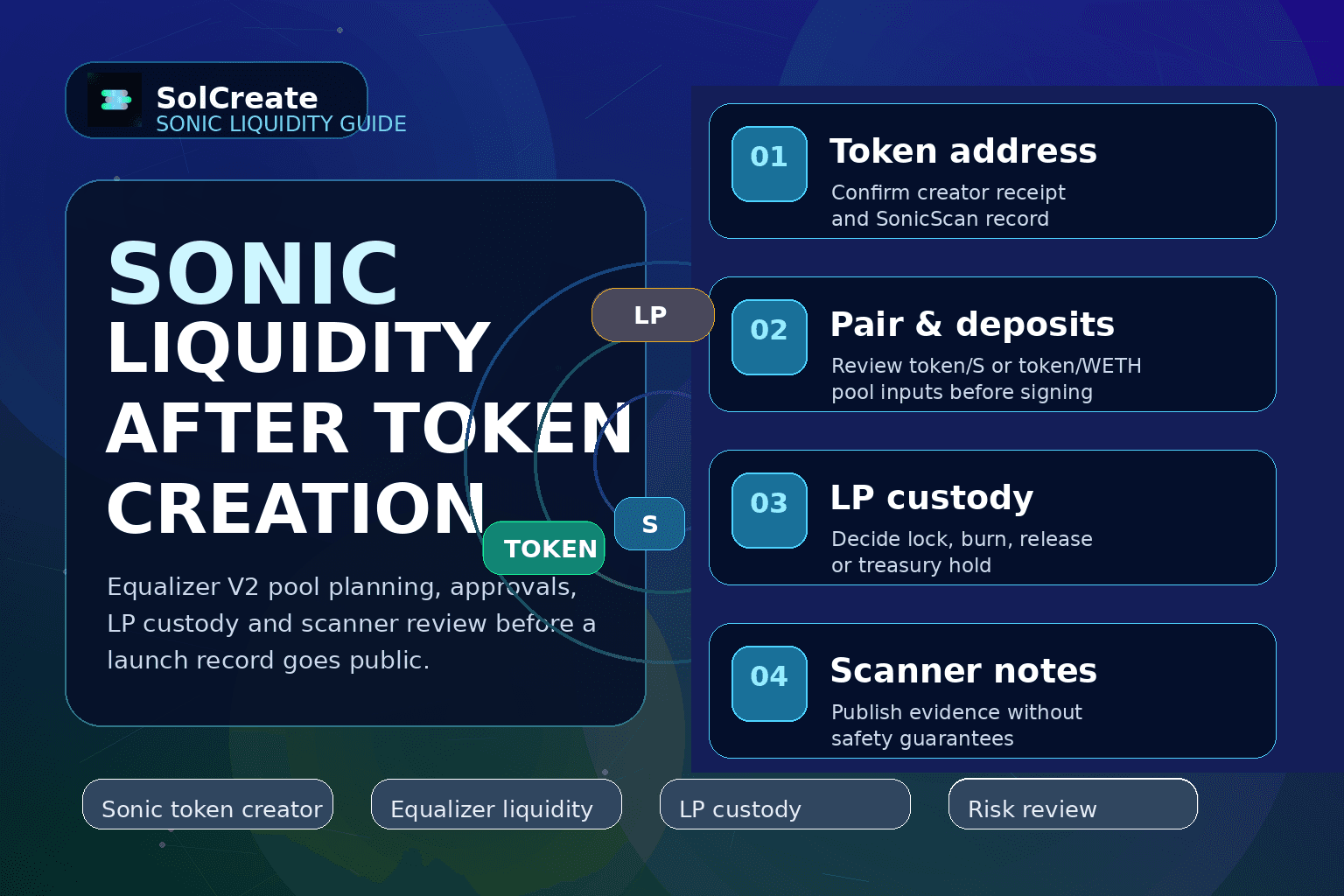
Plan the first Sonic liquidity step after token creation with a clear pool pair, wallet approval path, LP custody policy and scanner-readable launch record.
Best next route
After creation
Open liquidity work only after the Sonic token contract, owner wallet and launch note are ready.
Pool context
Equalizer V2
Separate token/S or token/WETH pool planning from token deployment, minting and wallet-held burns.
LP decision
Custody first
Record whether LP tokens stay in treasury, move to a lock, get burned or remain pending.
Public proof
Evidence notes
Attach SonicScan receipts and scanner context without implying safety, returns or guaranteed liquidity.
Creating a Sonic token is only the first visible event in a launch record. The next question is usually liquidity: which pool should exist, which wallet supplies it, what approvals will the signer see, and what happens to the LP position after the pool is created?
This guide supports SolCreate's Sonic liquidity route by separating Equalizer V2 pool planning from token deployment, mint allocation, wallet-held burn reduction and LP custody. That separation is important for builders because each Sonic URL answers a different wallet-confirmed job.
Use it as a practical checklist before opening the live Sonic liquidity tool, especially when the team wants a cleaner public launch note for holders, scanners, community moderators or exchange-listing conversations.
Sonic liquidity planning should begin after the first deployment record is clear. The launch team should know the token contract, creator wallet, owner wallet, initial supply, recipient policy and public token identity before any pool action is prepared.
That record becomes the anchor for the Sonic liquidity page. It prevents the pool step from being described as a second token creation task and helps a builder link SonicScan evidence back to the original creator route.
A liquidity action is not only a button click. The team should decide whether the pool explanation uses token/S or token/WETH context, which wallet supplies each side, and whether the public launch note explains the starting pool in plain language.
SolCreate keeps this step separate from Sonic Mint and Sonic Burn because pool movement changes market context, while minting changes token supply and burning reduces a wallet-held balance. Different actions need different review notes.
Before an Equalizer V2 liquidity transaction is signed, builders should review token order, deposit amounts, approval prompts, recipient wallet and the expected LP output. Small input mistakes can make the public pool record confusing even when the transaction itself is valid.
The public explanation should avoid price promises. A useful liquidity note says what was added, where the receipt can be checked and what LP custody policy follows next.
The pool does not end with the add-liquidity transaction. LP tokens represent the pool position, so the team should decide whether those LP tokens stay in a treasury wallet, move into a lock, get burned, or remain pending for a later operational action.
For launch clarity, that is why SolCreate separates Sonic Equalizer liquidity from Sonic LP tools. Liquidity prepares or changes the pool; LP tools explain custody of the returned LP position.
Scanner review is useful after a Sonic pool exists because holders and researchers can inspect contract, wallet, holder, supply and liquidity signals together. The goal is evidence-based review, not a safe-token label.
A good scanner note records the token address, the liquidity transaction, the LP custody plan, any recent mint or burn action and the owner-control state. That gives builders a cleaner public launch trail without overpromising trust.
The best liquidity workflow is boring in a good way: every route, amount, approval and custody note is known before the wallet is asked to sign. This checklist keeps the Sonic liquidity action from drifting into mint, burn or control decisions.
If the token does not exist yet, start with the creator. If the token exists and the pool is the next step, use the liquidity route. If the pool already exists and the question is LP custody, move to LP tools. That route discipline keeps the launch record understandable.
A useful public note does not need hype. It should state that the Sonic token was created, identify where liquidity was added or prepared, explain what will happen to LP tokens, and link any scanner or explorer context that helps readers verify the route.
Avoid language like guaranteed liquidity, safe launch or price support. Liquidity can improve market accessibility, but it also introduces pool, custody and communication responsibilities. A better launch note says what happened, where it can be checked and which actions remain separate.
A Sonic team should plan liquidity only after the ERC-20 token exists, the launch record is clear and the wallet supplying the pool can review the intended pair, amounts, approvals and LP custody policy.
No. Creating a Sonic token deploys the ERC-20 contract. Sonic liquidity adds or manages pool context after the token exists, so it should link back to the token creation record instead of replacing it.
Sonic liquidity is about adding or removing pool assets. Sonic LP tools are about custody decisions for returned LP tokens, such as holding, locking, releasing or burning the LP position.
Yes. Scanner review can help builders and communities inspect contract, holder, supply, wallet and liquidity signals together. It should be presented as context, not as a guarantee of safety or performance.