
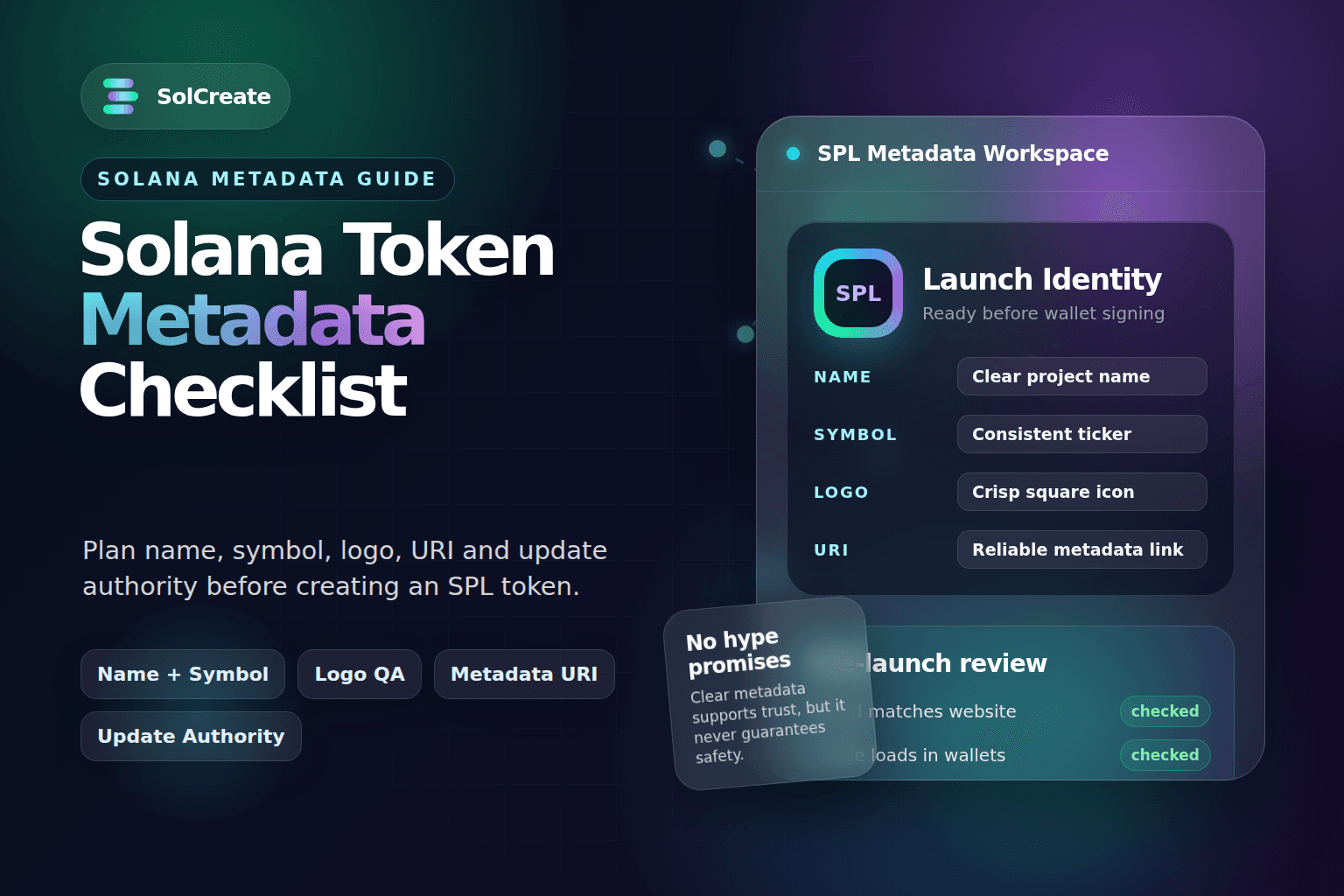
Quick facts
Token name
Public display name
The name should match the project brand and avoid confusing lookalikes.
Symbol
Short token label
The ticker-style symbol is highly visible in wallets, explorers and community posts.
Logo and URI
Visible metadata
Broken links, blurry images or inconsistent fields can make a launch look unfinished.
Update authority
Future edit control
Keeping or revoking metadata authority affects flexibility and trust signals.
Why Solana token metadata matters
Metadata is the identity layer around a token. The token mint itself is the on-chain asset, but the metadata tells wallets, explorers, DEX interfaces and users how that asset should be displayed.
For a beginner-friendly token launch, metadata is not just decoration. It affects first impressions, searchability, brand recognition and the way people compare the token with public announcements.
If the token name says one thing, the website says another and the logo looks different across social channels, people may hesitate. They may wonder whether they found the right token, whether the project is organized, or whether a fake token copied the brand.
SolCreate’s launch workflow should treat metadata as part of the same preparation phase as supply, mint authority, freeze authority, liquidity planning and holder distribution. A clean metadata setup does not make a token safe, but messy metadata can make an otherwise legitimate launch look avoidably weak.
The core metadata fields to prepare
Before creating a Solana token, prepare the metadata in a simple document. Do not invent the details inside the final wallet flow. The best launch teams review the fields before signing anything.
Metadata fields to prepare
The token name should be clear and specific. Avoid names that intentionally imitate another project or create confusion with established assets. Even when imitation is meant as a joke, it can create trust issues and platform problems later.
The symbol should be short, readable and consistent with the name. Many creators want a catchy symbol, but clarity matters. If the symbol is hard to read, too similar to another token, or different across posts, people can make mistakes when searching.
The description should explain what the project is without promising price movement, guaranteed safety or future returns. A practical description is better than hype.
Logo and image checklist
The token logo is often the most visible metadata asset. It appears in explorers, wallets, screenshots, scanner tools and social posts. A token can be technically valid and still look untrustworthy if the logo is blurry, cropped or inconsistent.
Token logo checklist
A simple icon can work well if it is crisp. A complex image can also work, but only if it remains recognizable when compressed. Token logos are often displayed very small, so the best version is usually bold, centered and high contrast.
For community tokens and meme coins, humor is fine. Deception is not. Avoid designs that pretend to be an official asset from another chain, exchange, wallet or famous brand. Short-term attention is not worth long-term confusion.
Metadata URI and storage considerations
Solana metadata commonly points to a URI that contains additional token information such as name, symbol, description and image. If the URI breaks or the image disappears, wallets and explorers may fail to display the token properly.
Creators should understand where metadata is stored before launch. Some no-code flows handle uploads automatically. Other teams may use decentralized storage, an API route or a project-controlled endpoint. The important point is reliability: the metadata should still be available after the first marketing push ends.
A practical pre-launch check is to open the metadata link and image link in a normal browser before public promotion. Confirm that the JSON loads, the image loads, and the displayed fields match what you expect.
If you plan to update metadata later, document what might change. Random metadata changes after launch can make buyers nervous, especially if the update authority remains active.
Update authority: keep it, transfer it or revoke it?
Update authority is one of the metadata decisions that can affect trust signals. If a wallet controls update authority, it may be able to change metadata after launch depending on the token standard and tooling used.
There is no single answer for every project. Keeping update authority can be useful when a team expects to update the logo, description, website or collection details. Revoking it can be a stronger immutability signal once the metadata is final.
Update authority questions
For a simple community token with final branding, revoking update authority may reduce one category of concern. For a product or game token that may evolve, keeping update authority may be practical. The key is not to hide the decision.
How metadata connects to scanner-visible risk signals
Buyers and researchers rarely look at metadata alone. They may also check mint authority, freeze authority, holder concentration, liquidity status, LP locks, deployer activity and wallet clusters.
Metadata still matters inside that broader review. A scanner user may compare several public signals before deciding whether a token launch looks coherent.
Scanner-style metadata checks
A clean metadata setup does not guarantee a safe token. It only removes avoidable confusion.
Common Solana metadata mistakes
Many metadata issues are preventable. The most common mistakes happen because creators rush the final step.
One mistake is choosing the symbol too late. A creator may announce one symbol on X, enter a slightly different symbol in the token creator, and then confuse users who search for the announced version.
Another mistake is using a temporary logo without a plan. If the token launches with a placeholder image, early screenshots and explorer entries may spread before the final logo is live.
A third mistake is linking to unfinished websites or private social pages. If the metadata points to a domain with missing pages, broken navigation or inconsistent branding, the launch looks weaker than it needs to.
A fourth mistake is assuming metadata can always be fixed later. Sometimes it can. Sometimes it depends on authority settings, tooling and where the metadata is stored. Plan as if the first public version matters, because it does.
Pre-launch metadata workflow
A simple metadata workflow can prevent most issues:
- 1Write the token name, symbol and description in a shared launch document.
- 2Prepare the square logo and test it at small sizes.
- 3Confirm the website and social links are live and consistent.
- 4Decide whether metadata should remain updateable after launch.
- 5Create the SPL token with the prepared metadata.
- 6Check the token in wallets, explorers and scanner-style tools.
- 7Compare the public metadata against the launch announcement.
- 8Only then begin heavier promotion, liquidity announcements or community campaigns.
This workflow is especially helpful for first-time creators. It turns metadata from a last-minute form field into a launch asset that supports trust and clarity.
How SolCreate fits into the workflow
If you are preparing a Solana launch, do not treat metadata as a final detail. Prepare the name, symbol, logo, description, links and update authority decision before creating the token.
With SolCreate, creators can create an SPL token without coding, prepare launch actions, and review risk signals through the Solana Deep Risk Scanner. Use the token creator for the build step, then review metadata, authorities, holders and liquidity context before heavy promotion.
FAQ
What is Solana token metadata?
Solana token metadata is the information attached to a token so wallets, explorers and apps can display details such as the token name, symbol, description, image and links. It helps users identify the asset beyond the raw mint address.
Can I change Solana token metadata after launch?
Sometimes yes, depending on the token setup, metadata standard and whether update authority is still active. If metadata needs to be final and immutable, creators should understand update authority before launch rather than assuming changes are always possible.
Should I revoke metadata update authority?
It depends on the project. Revoking update authority can reduce one concern once metadata is final. Keeping it can be useful for teams that expect future brand or link updates. The decision should be intentional and clearly communicated.
Does good metadata make a Solana token safe?
No. Good metadata improves clarity, but it does not guarantee safety. Buyers should still review mint authority, freeze authority, liquidity, holder distribution, wallet clusters, funders and broader project behavior.
What image size should I use for a token logo?
A square image is usually best because token logos are often displayed as small icons. The logo should remain readable at thumbnail size, avoid tiny text and match the project’s website and social branding.
Why does my token logo not show in a wallet?
The wallet may not have refreshed, the metadata URI may be unavailable, the image link may be broken, the token may not be indexed yet, or the metadata format may not be compatible with that display surface. Start by checking whether the metadata JSON and image URL load correctly in a browser.
Final thoughts
Solana token metadata is not the whole launch, but it is one of the first public signals people see. Clean metadata makes the token easier to recognize, explain and verify.
Before promotion, creators should know which name, symbol, logo, links and update authority decision will be visible after the mint exists.