
Quick facts
Network
Tron
Tron is the blockchain environment where the token is deployed and where wallet, energy, liquidity and explorer context matter.
Token standard
TRC-20
TRC-20 describes the fungible-token model builders usually mean when they search for a Tron token creator.
Builder question
Standard vs workflow
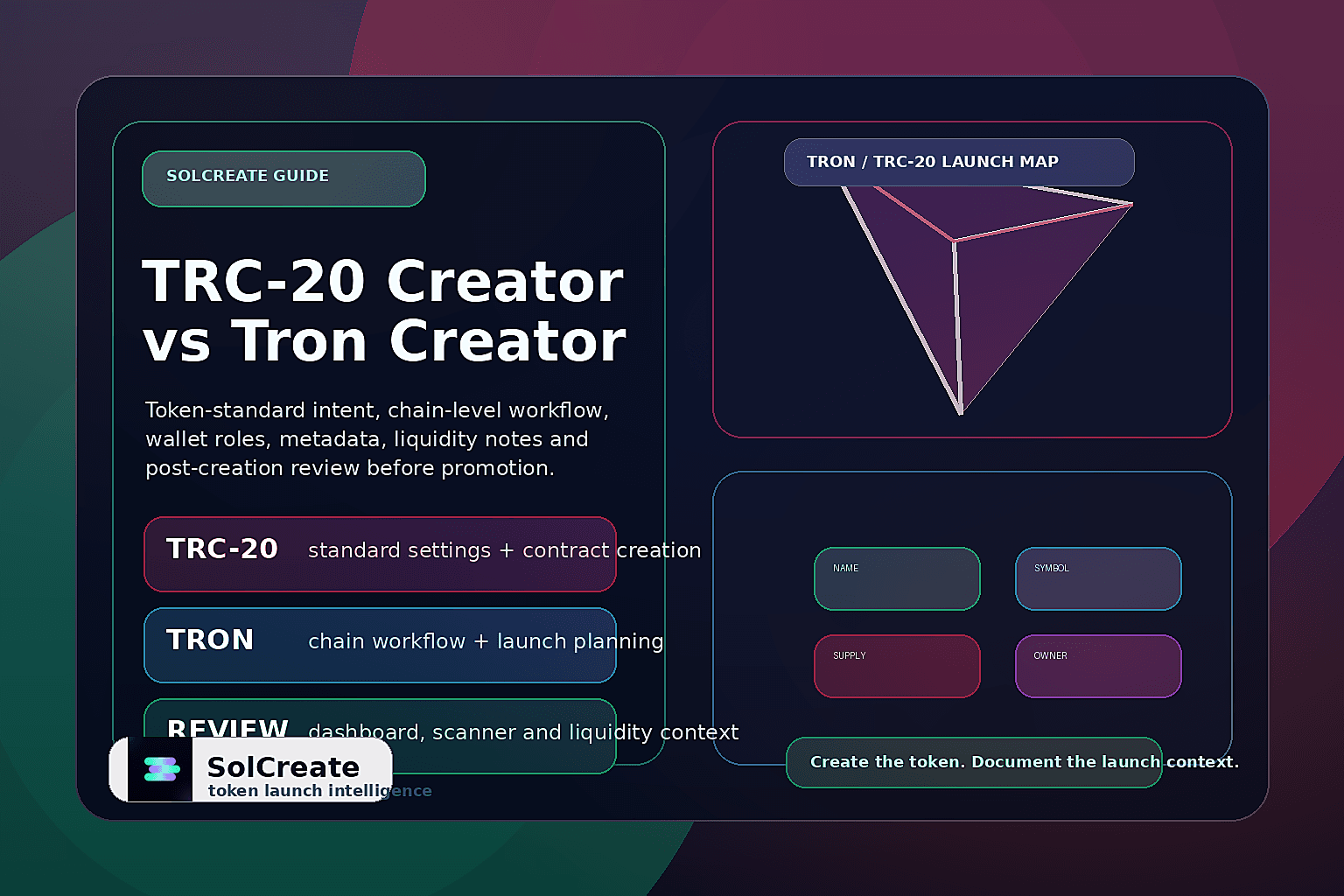
TRC-20 queries are usually standard-focused; Tron creator queries often need broader launch planning around wallets, metadata and liquidity.
SolCreate fit
Creator + planning
SolCreate supports the commercial creator route and the surrounding launch education without promising safety or market outcomes.
Tron is the network; TRC-20 is the token standard
The simplest way to separate the terms is this: Tron is the chain environment, while TRC-20 is a token format used inside that environment. A builder who types “Tron token creator” may be asking for a broad tool that helps create a token on Tron. They may not know the token standard yet. They may simply want a guided path from idea to live token.
A builder who types “TRC-20 token creator” is usually more specific. They already know the token standard name or have seen it in wallets, explorers, exchange documentation or community discussions. They are likely asking how to create a token that fits that standard without writing a smart contract manually.
For SolCreate content and product flows, both terms matter. The commercial pages serve builders who want the tool. A supporting guide like this explains the difference so beginners understand what they are actually creating before they connect a wallet.
Compare the builder question before choosing the next page
Build more than a generator page
Many Tron/TRC-20 pages stop at a form, a contract template or a short explanation of the standard. That can help a technical team move quickly, but it leaves a trust gap for public launches. A stronger creator asset should help the team explain what was created, who controls it, what the wallet signed and what still needs to happen before promotion.
TRON creator trust checklist against contract-only tools
A TRC-20 creator page earns more trust when it helps builders prepare the launch record around the wallet transaction. The comparison below gives teams a practical way to move from a one-screen generator mindset into a cleaner SolCreate workflow before the token address is shared publicly.
Start with launch purpose before choosing settings
A token creator workflow should not begin with random settings. Before the team enters a name, symbol, decimals or supply, it should define the token’s practical role. A TRC-20 token might be used for a community token, a utility or access token, an ecosystem token, a campaign reward, a payment-style token or an internal experiment that should not be promoted as a public market.
These use cases can require different supply, wallet, liquidity and communication decisions. A community token may prioritize recognizable branding and simple supply communication. A utility token may require more careful owner/admin documentation. The point is not to overcomplicate the launch; it is to avoid treating every TRC-20 token as if it has the same setup requirements.
Prepare token identity before deployment
Token identity is where many launches look rushed. Before using a TRC-20 token creator, prepare the public identity package: token name, symbol, decimals, initial supply, logo, short project description, website, official links and internal approval from the launch team.
A clear identity package reduces confusion after the token is live. If the team deploys first and then searches for a final logo, description or public URL, early screenshots and community messages may spread inconsistent information. For beginners, the safer workflow is to write the token identity in a launch document first, review it with the team, then use the same fields during creation.
Decide supply, decimals and admin roles before wallet confirmation
Supply decisions are easy to enter quickly and difficult to explain later. Before the wallet confirmation appears, the team should know the starting supply, why that supply fits the use case, which wallet receives it, whether additional supply can be minted later and how that status will be explained publicly.
Many token standards and launch workflows involve some form of owner, admin or privileged wallet. Creators should avoid two extremes: ignoring owner roles completely or claiming every permission is harmless just because the team says so. Better launch notes explain what the role can do, who controls it, whether it is temporary and where users can verify the status.
Plan liquidity as a separate launch step
Creating a TRC-20 token does not automatically create a healthy public market. Liquidity is a separate planning step. Before adding liquidity or announcing trading, write down the intended pair, the liquidity source wallet, whether liquidity is live or planned later, how pool links will be shared and how liquidity timing fits the public announcement.
This is important because a token address may start circulating before a real pool is ready. If users search for a pair too early, they may find unofficial links, empty pools or confusing duplicates. A clean launch record should separate “token created” from “liquidity live.” They are different milestones.
Use a post-creation review before promotion
After the token exists, pause before the first major promotion push. A practical post-creation review checks whether the token address is correct, the name and symbol display as expected, supply and decimals match the launch record, owner/admin roles are documented, liquidity status is not overstated and team members are using the same official token address.
Avoid overclaiming after token creation
A successful transaction can make a team feel launch-ready. But token creation is not the same as trust, safety, liquidity, adoption or market quality. Avoid public claims such as “safe token,” “risk-free launch,” “guaranteed liquidity” or “fully trusted because it is on-chain.”
Better wording is specific and verifiable: the token contract is live at this address; the initial supply is visible here; team and liquidity wallets are documented in the launch notes; pool details will be published through official channels; users should verify the token address and review visible on-chain signals before interacting.
How SolCreate supports the Tron/TRC-20 workflow
SolCreate’s stronger product fit is not “click a button and a token exists.” The workflow connects token creation with launch preparation. For a Tron/TRC-20-oriented launch, that means helping builders think through chain and token-standard language, token settings, wallet-confirmed creation, owner/admin documentation, metadata review, liquidity preparation and post-creation review.
A user who searches “TRC-20 token creator” may need the specific standard-focused route. A user who searches “Tron token creator” may need the broader no-code chain workflow. SolCreate should support both without confusing them.
FAQ
Is a TRC-20 token creator different from a Tron token creator?
Usually, yes. A TRC-20 token creator focuses on creating a token that follows the TRC-20 standard, while a Tron token creator is broader and may include wallet setup, metadata, launch preparation, liquidity planning and post-creation review.
What should I prepare before creating a TRC-20 token?
Prepare the token name, symbol, decimals, supply, receiving wallet, owner/admin wallet plan, logo, description, official links, liquidity plan and launch notes before connecting a wallet or approving the creation transaction.
Does a TRC-20 token automatically have liquidity?
No. Token creation and liquidity are separate steps. The team still needs to plan the pair, liquidity wallet, pool timing, public pool links and any LP custody or lock communication.
Can a no-code Tron token creator replace launch planning?
No. A no-code creator can reduce technical friction, but the team still needs to make responsible decisions about supply, metadata, ownership, liquidity, wallet roles and public communication.
Where should builders go after reading this comparison?
Builders who already know they need the TRC-20 standard can open the dedicated creator route. Builders who are still planning a broader Tron launch can review the chain-level creator workflow and related launch tools first.