
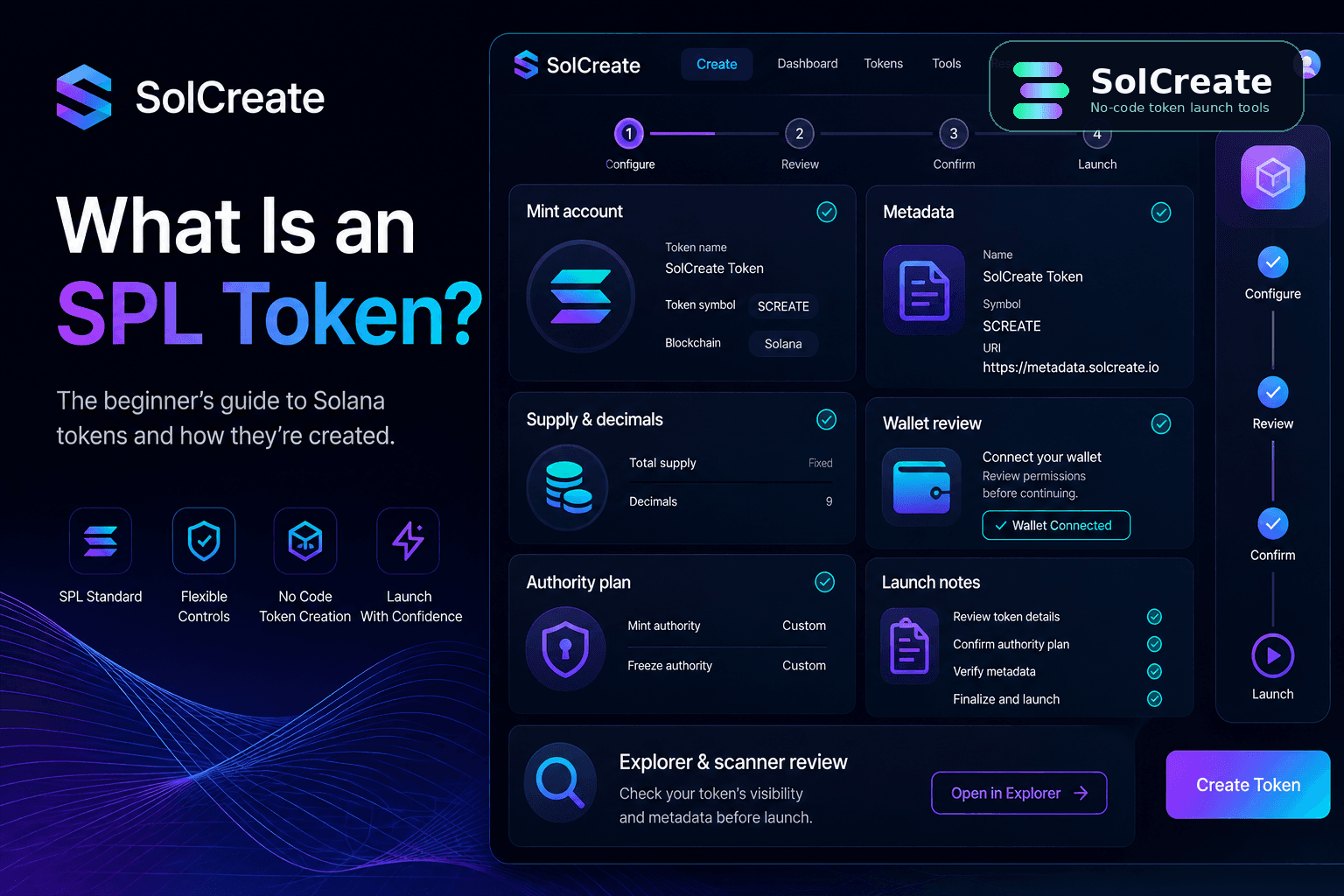
Quick facts
Standard
Solana SPL token
A Solana SPL token follows Solana's common token standard so wallets, explorers, apps and launch tools can read balances, supply and transfers.
Creator use
Usually fungible
When beginners search for a Solana token creator or Solana SPL token, they usually mean a fungible token with metadata, supply and authority choices.
Launch planning
More than minting
The token is only one part of the launch. Teams still need metadata, authority, distribution, liquidity and public communication plans.
Review layer
Scanner + dashboard
After creation, the mint address can be reviewed through dashboard and scanner workflows before heavy promotion starts.
What does SPL mean?
SPL stands for Solana Program Library. In token-launch language, an SPL token is a token created through Solana's standard token program rather than a custom contract written from scratch for every project.
That standardization matters because it gives the ecosystem a shared way to recognize token balances, transfers, mint accounts and basic token behavior. Wallets can display balances, explorers can show the mint address, liquidity tools can work with the token and scanners can read visible token signals.
For a founder or community team, the practical takeaway is simple: if you want a normal fungible token on Solana, you are usually planning an SPL token.
SPL token vs Solana token: what is the difference?
People often use the terms interchangeably, but there is a small difference in meaning. Solana token is the broad user-facing phrase. It means a token that lives on the Solana blockchain. SPL token is the more technical phrase. It points to the standard used by Solana apps and wallets to understand the token.
For search and launch planning, both terms matter. A beginner may search for Solana token creator, while a more technical builder may search for SPL token creator or create SPL token. The workflow is connected: prepare the token settings, create the SPL token, then continue into metadata review, authority review, liquidity planning, distribution and public launch communication.
The phrase Solana SPL token is also common because it joins the user-friendly chain name with the technical standard. When your team writes launch docs, support answers or token pages, use the exact mint address plus clear wording such as “Solana SPL token” instead of relying only on a ticker. That makes the token easier to verify across wallets, explorers and scanner tools.
If you are comparing creator tools before minting, read the best Solana token creator checklist after this primer. It focuses on the practical settings a no-code SPL workflow should expose before you connect a wallet.
How Solana SPL token searches map to creator planning
A search for Solana SPL token is often earlier in the decision path than a search for Solana token creator. The user may still be trying to understand what the standard means, whether the token needs custom code, how metadata works and which settings become visible after the mint is created.
That is why this guide should not push beginners straight into a wallet flow. The stronger path is to understand the standard first, then review the Solana SPL token settings checklist, compare the SPL token creator route and only then open the live Solana Token Creator when the token plan is clear.
If the goal is to create an SPL token with a name, symbol, logo and URI, the metadata step also deserves its own review. The create SPL token with metadata guide explains how token identity fields fit into the launch workflow before the community starts verifying the mint address.
How SPL token searches map to the right next step
SolCreate demand now spans both beginner Solana token questions and more technical Solana SPL token wording. The safest product path is to answer the education question first, then route users into the matching creator, settings or launch checklist page instead of forcing every visitor into the same wallet action.
What is a Solana SPL token?
Understand the standard, the mint address and why wallets can display the token.
Read the basics, then map the token identity and authority decisions before opening a creator flow.
Create SPL token
Move from education into a no-code creation workflow with metadata, supply and decimals prepared.
Use a Solana token creator only after the launch team has agreed on supply, decimals, name, symbol and logo.
SPL token creator
Compare whether the tool exposes the settings and review steps that matter before wallet confirmation.
Check creator settings, wallet role, authority controls and where the mint address will be reviewed afterward.
Solana token launch
Connect token creation with public verification, liquidity preparation and community communication.
Publish the exact mint address, explain authority status, prepare liquidity context and review scanner-visible signals.
The core parts of an SPL token
Mint address
The exact on-chain identifier for the token. Names and tickers can be copied, but the mint address is what wallets, explorers, liquidity tools and scanners use as the durable reference.
Metadata
The name, symbol, logo, description and links that help wallets and users understand the token identity. Clean metadata makes a launch easier to verify.
Supply and decimals
Supply defines how many units exist, while decimals define how balances are displayed and divided. Both should match the token's allocation and communication plan.
Mint authority
Mint authority controls whether additional supply can be created later. Teams should decide whether it remains active, is transferred or is revoked.
Freeze authority
Freeze authority can allow token accounts to be frozen or unfrozen. If active, it should have a clear reason that matches the public launch story.
Launch context
Liquidity, LP policy, vesting, multisender distribution and scanner-visible signals happen around the token. They are not automatically solved by creating the mint.
What a no-code SPL token creator can and cannot do
A no-code creator helps beginners avoid writing token-program instructions manually. It can organize the fields, guide the wallet connection, prepare metadata inputs and make the creation flow easier to follow.
But it should not be treated as a replacement for launch planning. A token creator can help you create the SPL token. It cannot guarantee demand, liquidity depth, community trust, exchange attention, price performance or long-term project quality. Those outcomes depend on planning, communication, distribution, product work and market conditions.
This is why SolCreate's strongest workflow is not only create token. It is closer to prepare identity, choose supply and decimals, review authority decisions, create the token, save the mint address, prepare liquidity or distribution where relevant and review visible signals before heavy promotion.
Post-creation review signals for a Solana SPL token
The mint transaction creates the token, but the public trust layer comes from what users can verify afterward. Before a launch team starts posting the token everywhere, the basic facts should be consistent across the creator dashboard, explorer links, metadata pages and scanner-style reviews.
This is also where a Solana SPL token guide supports the commercial pages without cannibalizing them: the article explains what to verify, while the token dashboard, scanner and creator routes remain the action pages.
What to prepare before creating an SPL token
- 1Choose the token name, symbol, logo, description and official links before opening the creator flow.
- 2Decide which wallet creates the token and which wallet manages future actions.
- 3Write down the supply, decimals and allocation logic in plain language.
- 4Plan mint authority, freeze authority and metadata authority decisions before promotion begins.
- 5Prepare the liquidity, vesting, multisender or token-dashboard steps that may follow creation.
- 6Save the mint address and publish only the official verification links your community should use.
- 7Run a scanner-style review after the token exists and before you make strong public claims.
Common beginner mistakes
The token standard is only one part of a successful launch workflow. Many beginner mistakes happen because teams treat creation as the whole launch instead of the first visible step.
How SolCreate fits into an SPL token workflow
SolCreate is built for teams that want to create a token and prepare the surrounding launch steps from one no-code platform. For an SPL token launch, that means the creator flow is only the start.
A practical team may also need token metadata review, mint or burn decisions, vesting, multisender distribution, liquidity planning, LP context, token dashboard review and scanner-style signal checks. The stronger workflow is to treat each step as part of one public launch story: what token was created, which wallet created it, what supply and metadata were chosen, which authorities remain active and where users can review the token facts.
That helps beginners move from “I created a token” to “I can explain the token clearly.”
FAQ
Is an SPL token the same as a Solana token?
In many creator conversations, yes. A Solana token is the user-facing phrase, while SPL token points to the Solana token standard that wallets and apps commonly understand for fungible tokens.
Do I need to code to create an SPL token?
Not necessarily. A no-code SPL token creator can organize the settings and wallet confirmations, but you still need to choose metadata, supply, decimals and authority settings carefully.
Does creating an SPL token make it tradable immediately?
No. Token creation and market preparation are separate steps. A token can exist before it has a liquidity pool, trading pair or public launch context.
Can SPL token metadata be changed later?
It depends on the metadata setup and update authority. If metadata can be changed, meaningful changes should be communicated clearly so users understand what happened and why.
Should mint authority be revoked?
Revoking mint authority can make additional supply creation impossible through that authority, but not every project has the same design. The important point is to make an intentional decision and explain it honestly.
What should I check after creating a Solana SPL token?
After creating a Solana SPL token, confirm the exact mint address, metadata, supply, decimals, mint authority, freeze authority, token dashboard context, liquidity plan and scanner-visible signals before promoting the launch.
How does SolCreate fit into an SPL token launch?
SolCreate helps creators create SPL tokens without coding and connect the surrounding launch workflow: metadata, mint and burn actions, vesting, liquidity preparation, token dashboard review and scanner-style signal checks.
Final takeaway
An SPL token is the standard Solana token format most creators use when they want a fungible token that wallets and apps can understand. The no-code path makes creation easier, but the launch still depends on clear decisions: metadata, supply, decimals, authorities, wallet roles, liquidity context and public communication.
Prepare those pieces before creating the token, and the result is easier to explain, easier to review and less likely to look rushed when the community starts asking basic questions.