
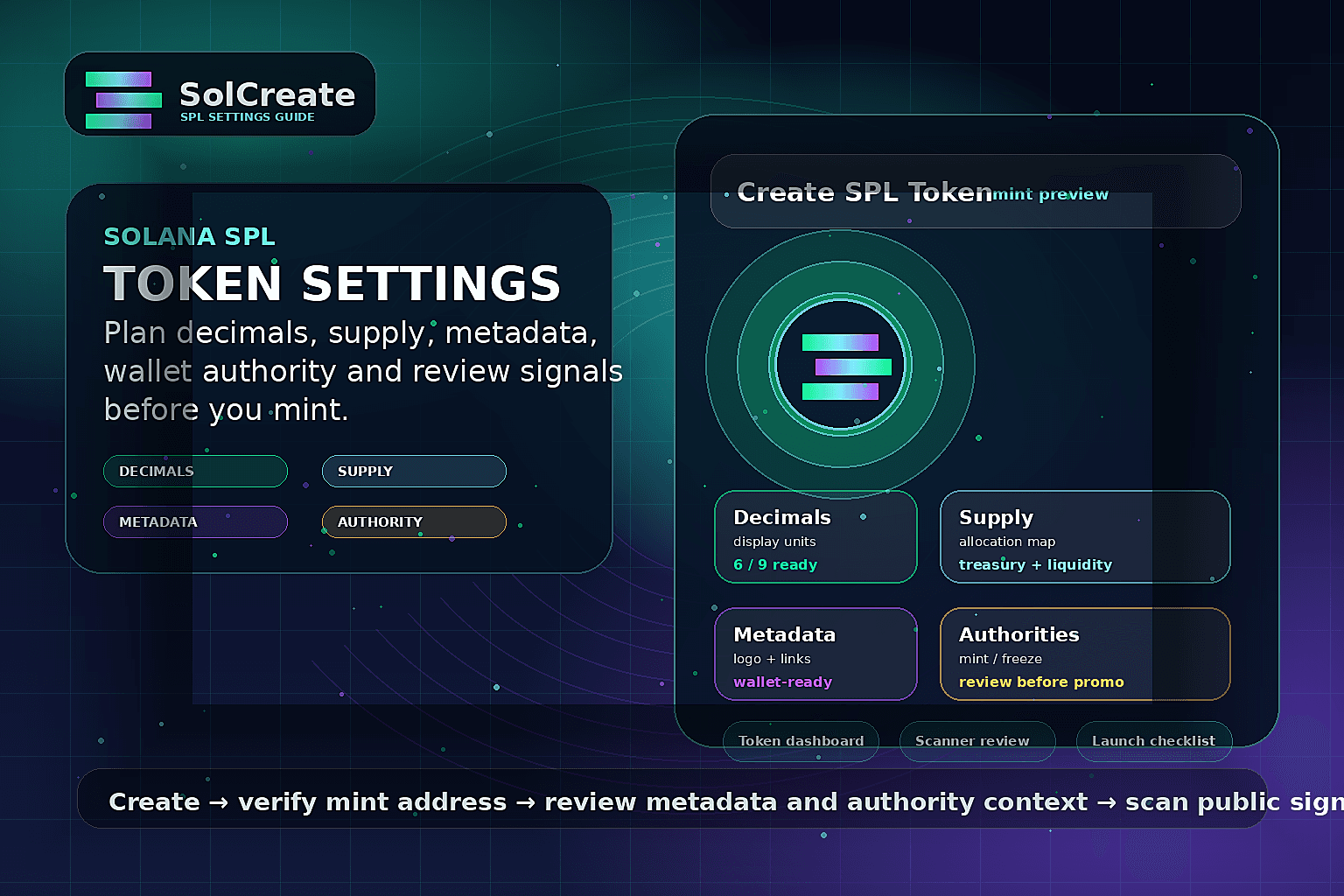
Quick facts
Main use
Create SPL token
This guide supports builders searching for Solana SPL token setup details before they use a no-code Solana token creator.
Settings to plan
Decimals, supply, metadata
Name, symbol, logo, decimals and supply should be decided before the wallet confirmation, not guessed during the mint flow.
Authority layer
Mint + freeze review
Mint authority, freeze authority and metadata authority are launch signals buyers and moderators may ask about later.
After creation
Dashboard + scanner
A practical SPL launch continues with token dashboard review, liquidity planning and scanner-visible signal checks.
Start with the settings users will actually see
Many beginners search for “Solana SPL token” or “create SPL token” because they want a practical creator workflow, not a protocol textbook. The first page they need should explain the settings that will become visible after the wallet confirms the transaction: name, symbol, logo, supply, decimals and the mint address.
Those settings are small fields in a form, but they become public launch material. A ticker can be copied, a logo can look unfinished, and an unclear supply format can confuse holders. A better workflow is to prepare the public explanation before creating the mint, then use the creator page as the execution step.
Plan decimals and supply as communication choices
Decimals are not just a technical number. They determine how balances appear in wallets and dashboards. A project that wants simple whole-number holder balances may choose a different display style from a utility token that needs smaller units. The right answer depends on the token story and how users will read balances later.
Supply should also be explained in plain language. If part of the supply is reserved for liquidity, rewards, treasury, team allocations, airdrops or vesting, those buckets should be documented before launch. Creating a token without that explanation can make later updates look improvised even when the transaction itself was normal.
Prepare metadata before the wallet confirmation
Token metadata is the identity layer: logo, description, project links and visual context. It affects how the token appears in wallets, explorers, community screenshots and scanner-style reviews. If metadata is incomplete, the launch may look unfinished before users ever read the official announcement.
A practical SolCreate workflow is to prepare the token identity first, create the SPL token, then use the token dashboard and metadata tools to verify that the mint address, image and public references match the intended launch story.
Authority choices are part of the launch message
Mint authority and freeze authority are easy to treat as advanced details, but buyers and moderators often ask about them. Active mint authority can mean future supply can be created. Active freeze authority can affect token-account control. Neither signal should be hidden behind vague “safe” language.
The right posture depends on the project. Some teams need operational flexibility; others want to revoke control after setup. SolCreate content should help builders choose intentionally, avoid overclaiming, and connect the decision with scanner-readable evidence instead of generic trust claims.
Use the dashboard after creation, not as a duplicate creator page
Once the SPL token exists, the next problem is operational context. Which mint is the real token? Which wallet controls it? Does the team need metadata cleanup, more supply, a burn action, vesting, liquidity preparation, LP-lock planning or a scanner review? That is where the Token Control Center supports the creator cluster.
The dashboard should be the review layer between token creation and public launch activity. It helps builders route from an existing mint into the correct SolCreate tool while keeping transaction execution inside the dedicated wallet-confirmed flows.
Checklist before creating an SPL token
- Write the token name, symbol and description in final launch language.
- Prepare the logo, website and official social links before opening the creator form.
- Choose decimals based on how balances should look to ordinary holders.
- Map total supply to treasury, liquidity, team, vesting, airdrop and community buckets.
- Decide what should happen to mint authority and freeze authority after creation.
- Confirm the operational wallet and any multisig or treasury wallet roles.
- Plan the first post-creation route: metadata review, token dashboard, liquidity, vesting, multisender or scanner.
- Save the mint address and make it the source of truth for public verification.
Common SPL token setup mistakes
- Choosing a ticker first and only later discovering that the visible metadata does not match the project narrative.
- Copying decimals or supply from another token without explaining why that format fits the new launch.
- Treating mint authority as a technical detail instead of a public trust and communication topic.
- Promising safety or fairness without scanner-visible evidence, authority context, liquidity context or documented wallet roles.
- Creating the token and immediately promoting it before the mint address, dashboard state and metadata are reviewed.
SPL token settings map
Token name and symbol
The name and ticker are the visible identity users will copy into chats, explorers and wallets. They are easy to imitate, so the launch plan should always pair them with the exact mint address and official links.
Decimals
Decimals control how balances are displayed and divided. Choose them to match the product, community and exchange experience you want users to understand. Changing the communication later is harder than choosing a clear format first.
Initial supply
Supply should match the allocation story: treasury, community, liquidity, airdrops, vesting and any future minting policy. A no-code creator can set supply, but it cannot make the token economics credible by itself.
Metadata and logo
Metadata connects the token with its logo, description, website and social references. Prepare clean assets before minting so wallet screenshots and scanner reports do not show unfinished or inconsistent information.
Mint authority
Mint authority decides whether additional supply can be created later. Keep, transfer or revoke it only after the team understands the operational tradeoff and can explain the decision honestly.
Freeze authority
Freeze authority can affect token-account control. If it remains active, the reason should be clear. If it is revoked, the team should understand what control is being given up.
FAQ
What settings do I need before creating an SPL token?
Prepare the token name, symbol, logo, description, decimals, initial supply, wallet roles and authority plan before opening a Solana token creator. Those choices shape how the token appears in wallets, explorers and public launch notes.
Can I change SPL token metadata after launch?
It depends on the metadata setup and update authority. If metadata can still be changed, teams should communicate visible changes clearly and consider when making metadata immutable fits the launch plan.
Are mint authority and freeze authority required?
They are part of the authority context creators must understand. Some projects keep authority for operational reasons, while others revoke control after setup. The important point is to choose intentionally and explain the decision without overclaiming safety.
Does creating an SPL token create liquidity automatically?
No. Token creation and liquidity are separate workflows. After the token exists, teams still need to plan market context, liquidity pools, LP policy and public verification links.
Where does SolCreate fit after the SPL token is created?
SolCreate connects the creator workflow with post-creation routes: token dashboard review, metadata updates, mint and burn tools, vesting, multisender, liquidity preparation and scanner-style signal checks.