
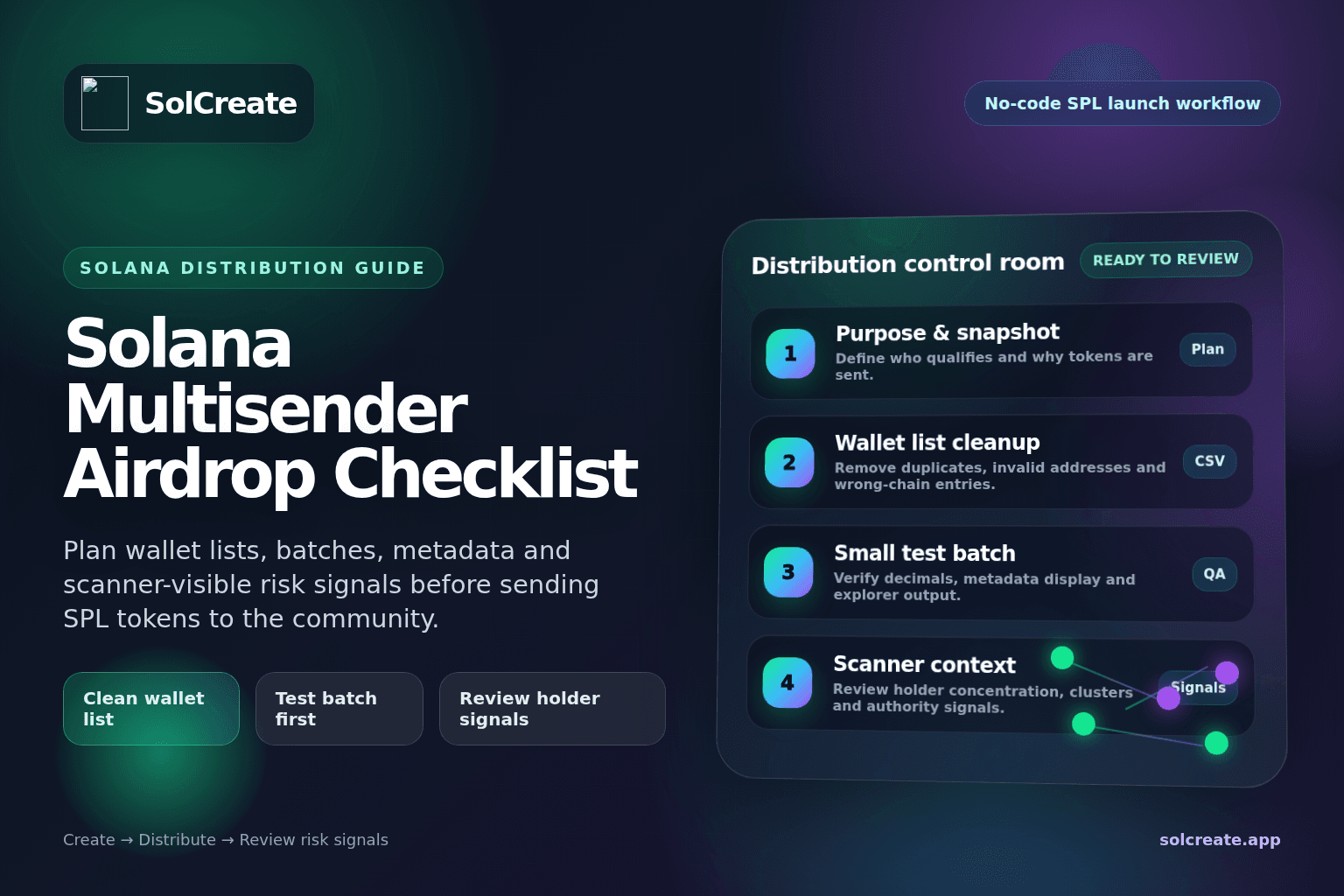
Quick facts
Multisender
Batch sends
A tool or workflow for sending SPL tokens to many wallets without creating every transfer manually.
Wallet list
Recipient plan
The addresses and amounts behind the airdrop. Bad lists create duplicates, failed sends and confusing holder data.
Test batch
Early check
A small first send catches address, decimal, metadata and wallet-display issues before the full distribution.
Scanner context
Public signal
Holder concentration, clusters, funders and authority settings may be reviewed after the distribution is visible.
What a Solana multisender is used for
A Solana multisender is used to send SPL tokens to multiple wallets without manually creating every transfer one by one. For a token creator, that can support early community rewards, contributor allocations, allowlist distributions, quest payouts, NFT-community claims, ecosystem incentives or migration-related sends.
The important point is that multisender is an operational tool, not a marketing shortcut. It can distribute tokens more efficiently, but it cannot fix weak tokenomics, unclear supply planning or poor communication. If the wallet list is rushed, the final holder distribution may look random or artificial even when the project had good intentions.
Creators should decide why tokens are being sent, who qualifies, how much each recipient receives and how the distribution fits the broader launch plan before opening the sender tool.
Start with the purpose of the airdrop
Before preparing addresses, write one sentence that explains the purpose of the distribution. An airdrop for early contributors is different from a community rewards campaign. A token migration is different from a meme coin launch allocation. Each purpose has a different wallet list, amount logic, timing and communication requirement.
Useful purpose statements
Vague goals such as making holder count look better or sending tokens to random wallets can create suspicious-looking holder patterns and disappointed recipients.
Clean the wallet list before sending
The wallet list is the heart of any multisender workflow. A few minutes of cleanup can prevent many visible mistakes. Check that every address is a valid Solana wallet address. Remove empty rows, notes accidentally pasted into address fields, duplicate wallets and addresses from unsupported chains.
Duplicates need a policy. If one user submitted the same wallet twice, should they receive one allocation or two? If two social accounts submitted the same wallet, is that allowed? If a wallet appears in both a contributor list and a community list, should the amounts stack or be reviewed manually?
For public launches, it is usually better to resolve these questions before sending than to explain them after the explorer shows the results.
Plan amounts with token decimals in mind
Solana token creators should confirm token decimals and transfer amounts before building the final file. A common mistake is thinking in whole-token display units while a script or tool expects base units, or vice versa.
If the token has 6 decimals, one displayed token is not the same as one raw unit. If the token has 9 decimals, the difference is even larger. No-code tools often make this easier, but creators should still verify how the sender expects amounts to be entered.
Allocation planning table
Early community
Fixed amount per qualified wallet
Easy to explain and simple to audit.
Contributors
Role-based amounts
Should match internal records before sending.
Partners
Agreed allocation per wallet
Use labeled wallets where possible.
Test batch
Very small send
Confirms transfer behavior and display.
Treasury
Usually separate from airdrops
Keep reserves out of community distribution files.
Run a small test batch first
A test batch is one of the best ways to avoid a broken distribution. Send to a small number of controlled wallets first. Include a normal wallet, a fresh wallet, a team wallet and any edge case that may matter for the campaign.
After the test batch, check the explorer and wallet displays. Did the token appear with the correct name, symbol and logo? Did amounts show as expected? Did the recipients understand what arrived? Did any transfer fail? Did the fee wallet behave as expected?
Testing is especially useful when the token metadata is new. If the logo, symbol or token name still looks unfinished, fix metadata before the full distribution. An airdrop can bring attention quickly; it is better if the token identity is already clean.
Separate community distribution from team and treasury allocations
A multisender file should not become a dumping ground for every allocation. Community airdrops, team wallets, treasury reserves, liquidity supply and partner allocations are different categories.
Mixing them together makes the launch harder to explain. A buyer looking at holder distribution may see large wallets beside many small recipients and wonder whether the distribution is organic, insider-heavy or simply unorganized.
Multisender checklist before launch
- 1Confirm the final token mint address.
- 2Confirm token metadata, logo, symbol and decimals.
- 3Define the purpose of the distribution.
- 4Separate community, team, treasury and liquidity allocations.
- 5Clean the recipient wallet list.
- 6Remove duplicates or apply a clear duplicate policy.
- 7Confirm amount units and token decimals.
- 8Run a small test batch.
- 9Review explorer output and wallet display.
- 10Prepare a public explanation for the airdrop.
- 11Review scanner-visible holder distribution after sending.
- 12Keep records of batch files, timestamps and transaction references.
Think about scanner-visible signals
Airdrops are visible. Buyers, community moderators and researchers may inspect the token after launch and ask how the supply is distributed. They may look at top holders, wallet clusters, shared funders, authority settings, liquidity and the timing of large transfers.
A large number of holders does not automatically make a token look healthy. If many wallets are funded by the same source, receive identical amounts at the same time and never interact again, the distribution may look manufactured. That does not always mean something malicious happened, but it can raise questions.
Creators can reduce confusion by documenting the reason for major distributions. If 1,000 wallets received a community reward, say what the campaign was. If a few wallets received larger allocations, explain their purpose. If team tokens are meaningful, consider vesting or a clear unlock policy.
Avoid claiming that an airdrop makes a token safe. Airdrops are one signal. They do not remove the need to review mint authority, freeze authority, metadata authority, liquidity, LP locks, holder concentration and wallet behavior.
Communicate the airdrop clearly
The announcement should tell recipients what happened and what not to assume. Include the reason for the distribution, the snapshot or qualification rule, the approximate number of recipients, whether the send is complete or happening in batches, the token mint address and a reminder to verify links.
Be careful with wording. Do not imply that receiving an airdrop guarantees future value. Better wording is practical: “This distribution completes the early community rewards batch. Always verify the token mint address and review the launch details before interacting with links.”
Airdrop-specific SolCreate workflow
SolCreate should support the distribution sequence without making the checklist sound like another generic creator page:
- 1Create the SPL token with final supply and metadata.
- 2Confirm mint authority, freeze authority and metadata authority decisions.
- 3Plan liquidity, treasury, team and community allocations.
- 4Use multisender for the intended community or contributor batches.
- 5Add liquidity when the launch is ready for public swaps.
- 6Use vesting or locks where insider allocations need time-based release.
- 7Run a scanner review before heavy promotion.
- 8Publish a clear launch note with token address, allocation context and risk-signal reminders.
For this airdrop workflow, SolCreate helps creators move from token creation into wallet-list cleanup, test batches, distribution records and scanner review without overclaiming that a wider holder count makes the launch safer.
Common mistakes to avoid
FAQ
What is a Solana multisender?
A Solana multisender is a tool or workflow for sending SPL tokens to multiple wallet addresses in batches. It is useful for community airdrops, contributor rewards, allowlist distributions and operational token sends.
Should I run a test batch before a Solana airdrop?
Yes. A small test batch helps verify wallet addresses, token decimals, metadata display, transfer behavior and explorer output before the full distribution becomes public.
Can an airdrop improve holder distribution?
An airdrop can spread tokens across more wallets, but it does not automatically make distribution healthy. Buyers may still review whether wallets are active, connected, funded by the same source or controlled by insiders.
What should I check before using a multisender?
Check the token mint address, metadata, decimals, recipient list, duplicate policy, allocation amounts, wallet categories, test transfers and public communication plan.
Does a multisender make a token safer?
No. A multisender only helps distribute tokens. Safety and risk review still require checking authority settings, liquidity, LP control, holder concentration, wallet clusters, metadata and broader project behavior.
How does SolCreate help with Solana token distribution?
SolCreate helps creators create SPL tokens without coding and supports the surrounding launch workflow: metadata planning, multisender-style distribution, vesting, liquidity-related tools and scanner-based risk-signal review.
Final thoughts
A clean multisender workflow does not make every launch perfect. It makes distribution more intentional, understandable and easier to verify.
For token creators, the goal is not to make holder data look busy. The goal is to know why tokens were sent, who received them, how the amounts were calculated and which risk signals still deserve attention before promotion begins.
Use the airdrop checklist before sending the full batch, not after the first explorer questions arrive.