 SolCreate
Holder Cluster Scanner
Solana Holder Cluster Scanner for Shared Funders and Batch Funding
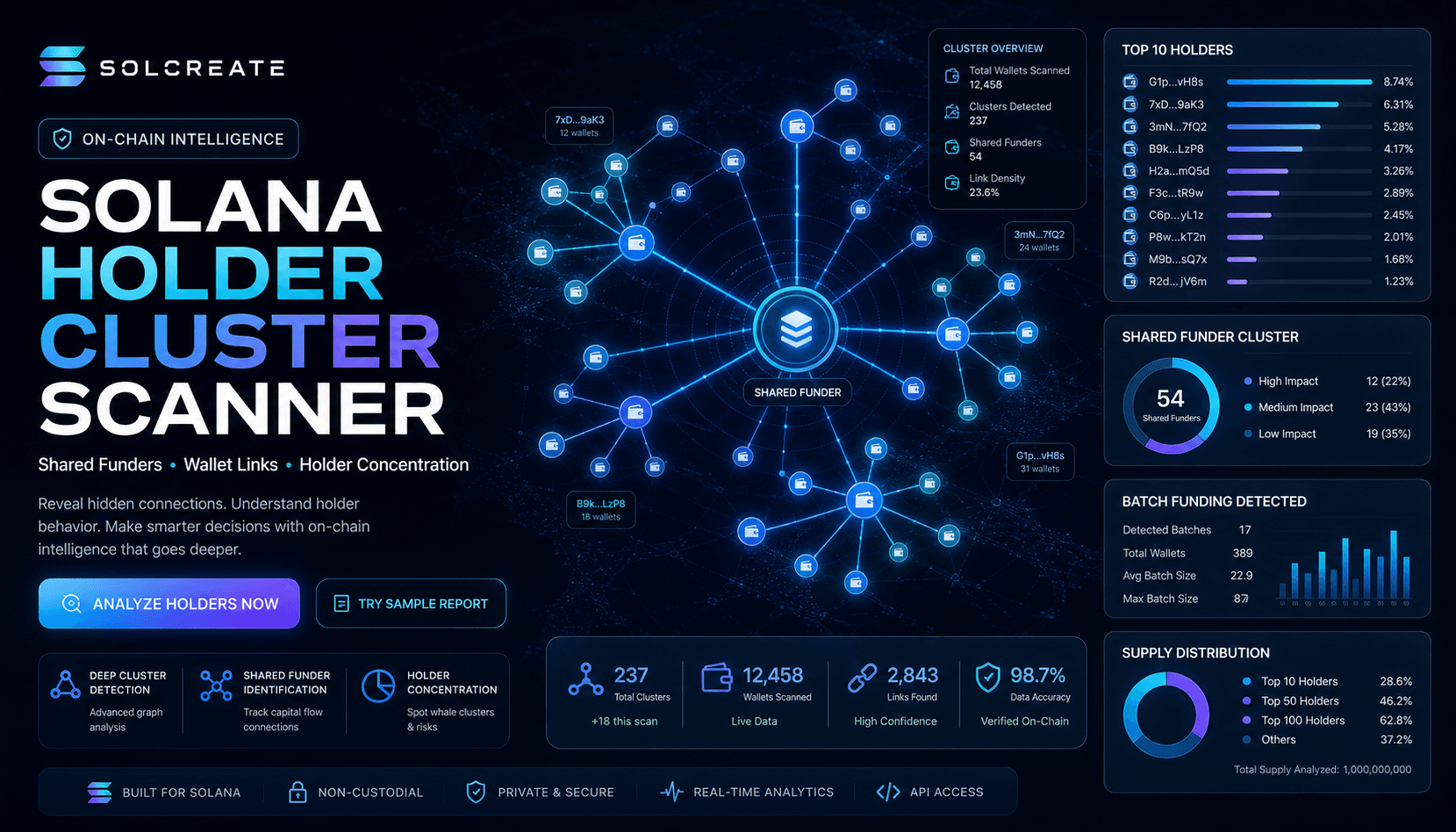
Holder concentration tells only part of the story. SolCreate reviews whether top holders may be connected through shared funders, similar preparation funding or launch-cluster behavior.
Top holders
The scanner separates token accounts and owner wallets so users can understand who may control large balances.
Shared funders
If multiple holders received SOL from the same funder, the report explains why that can indicate coordinated wallets.
Batch funding
Similar funding amounts inside a short time window can suggest prepared wallets or bundled launch activity.
What this page covers
This page expands on solana holder cluster scanner for shared funders and batch funding with more context than the live tool screens. It is meant to answer common questions, improve trust and give users a clearer understanding of how the SolCreate product is structured.
Solana Holder Cluster Scanner for Shared Funders and Batch Funding uses this holder cluster scanner context to bridge education and action before visitors open run scanner.
Related paths inside SolCreate
Holder Cluster Scanner readers can continue via Run Scanner or move into Solana Creator.
Holder Cluster Scanner links point readers toward run scanner and solana creator while keeping the route connected to SolCreate's wider launch, research and post-deployment workflows.
Why holder clusters matter
A token can appear distributed while still being coordinated. If one wallet funds many holder wallets, those holders may not be as independent as they look. If many wallets receive similar amounts shortly before launch activity, that can suggest planned coordination. SolCreate turns those patterns into report findings so users can inspect them before trusting the token.
Holder clustering is especially important on fast Solana launches where tokens may move from creation to public trading quickly. A basic holder chart may show many accounts, but a deeper scanner should ask whether those accounts are related by funding, timing, deployer-wallet behavior or repeated launch behavior.
- Top 1, top 5 and top 10 concentration help measure supply distribution.
- Token-account owners help users distinguish account addresses from wallet owners.
- Shared funders can reveal relationships between wallets that look separate.
- Batch funding can indicate prepared wallets or bundled launch activity.
- Repeated funder reputation helps identify recurring patterns across scanned mints.
- Deployer-wallet and first-buyer timing can show whether the earliest activity matches the public launch story.
How to read early buyer and deployer-wallet timing
The first wallets around a launch often tell a clearer story than the headline holder count. Review whether early buyers arrived in a tight sequence, whether they share a funding source, whether the deployer wallet appears again in later activity and whether early concentration shifted before broader promotion began.
These signals should be read as evidence, not accusations. A clean launch can still have operational wallets, test wallets or team-controlled addresses. What matters is whether the project can explain the sequence and whether the scanner evidence supports the public story.
- Compare first-buyer arrival order with public announcement timing.
- Check whether early wallets share funding sources or repeated origins.
- Review whether deployer-wallet behavior overlaps with holder concentration.
- Use the findings as launch communication prompts instead of treating them as automatic proof.
Solana holder scanner checklist before promotion
Use a Solana holder scanner before a project publishes a mint address, announces liquidity or answers community questions about distribution. The useful review is not only the top-holder percentage; it is the relationship between token accounts, owner wallets, deployer timing, shared funders, batch funding and authority status.
For token creators, this checklist turns the scanner result into a communication plan. If a treasury wallet, market maker, airdrop wallet or multisig explains a large balance, document that context before buyers discover the address themselves. If the scanner shows unexplained linked wallets, pause promotion until the team can explain what those wallets are and why they matter.
- Open Open Scanner and scan the SPL mint before heavy launch promotion.
- Compare top-holder concentration with owner-wallet links, not only token-account addresses.
- Review shared funders and batch funding beside mint authority, freeze authority and liquidity context.
- Use token dashboard to confirm the operational wallet and mint before choosing the next SolCreate action.
- Route distribution questions to solana holder distribution checklist when the team needs a public explanation.
- Use Shared Funder Guide for a deeper shared-funder interpretation guide.
How SolCreate explains clusters
SolCreate avoids calling every linked wallet malicious. Instead, the report explains what was found and why it matters. A shared funder may have a benign explanation, but users should know about it before trusting a public distribution. The report is strongest when wallet-cluster signals appear alongside authority risk, thin liquidity or aggressive holder concentration.
The scanner's conclusion summarizes the risk story in plain English. That is important because many users do not want raw addresses alone; they want to know what the address relationships might mean and what they should review next.
- Start at Open Scanner when holder-owner wallets, shared funders and launch clusters need a live report.
- Use Token Creator if the project is yours and authority choices should be reviewed before launch.
- Return to Open Scanner whenever holder or funding signals need a fresh report.
FAQ
Frequently asked questions
What is a holder cluster?
A holder cluster is a group of token holders that may be related by funding, timing, ownership patterns or repeated behavior.
Does a shared funder prove a rug pull?
No. It is a risk signal, not proof. It should be reviewed together with authority, liquidity and holder concentration.
Why not only use holder percentages?
Percentages show concentration, but they do not explain whether separate wallets may be connected.
Does SolCreate show full addresses?
The scanner report includes detailed evidence so users can inspect important wallets in an explorer.
Share
Share this page
If this page is useful, you can share it directly to social platforms or send the link to your team, community or launch group.