
Quick facts
Search need
Maker vs creator
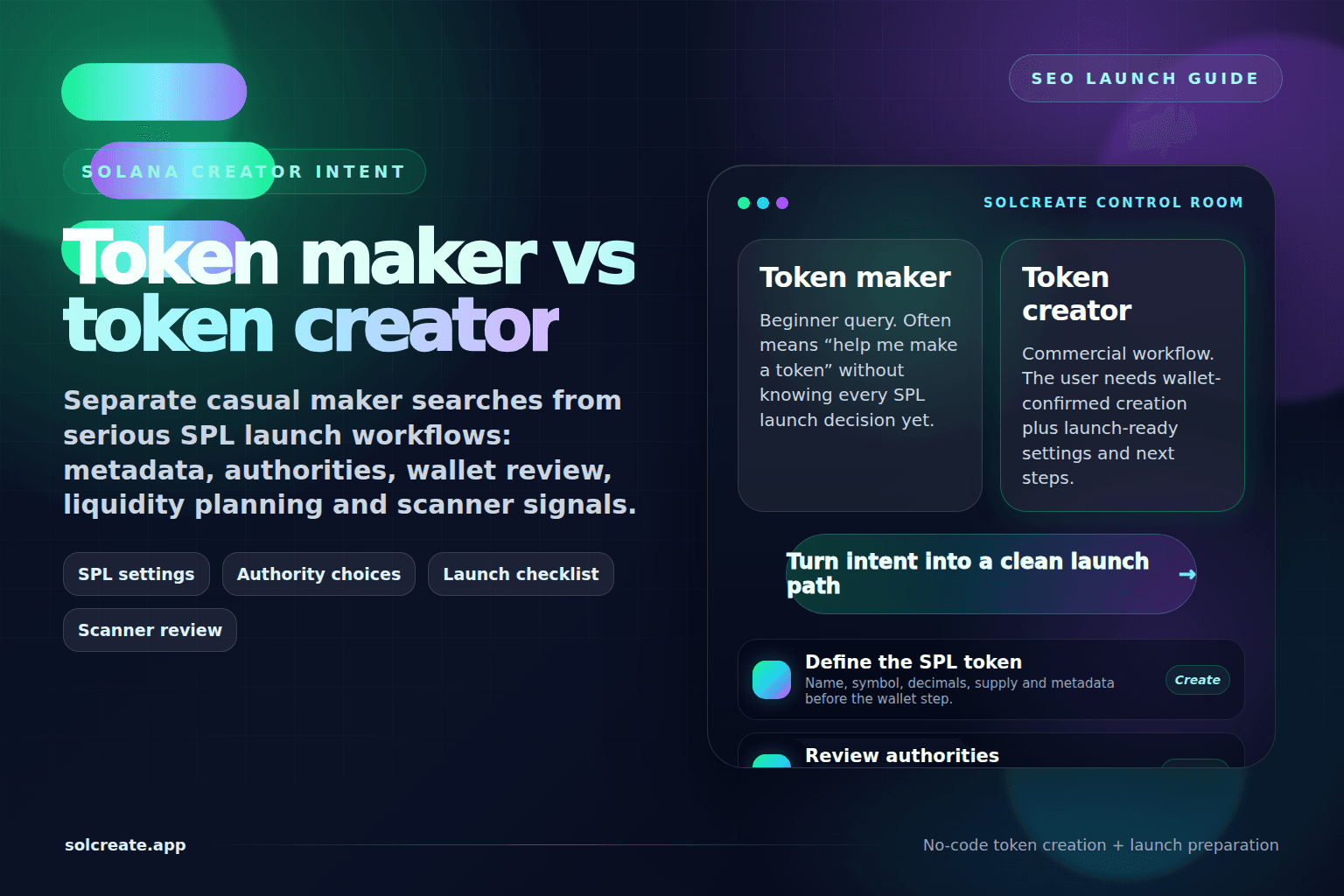
Token maker is often beginner language; Solana token creator usually describes a wallet-confirmed SPL launch workflow.
Main standard
SPL token
On Solana, most no-code creator searches lead back to SPL token settings: name, symbol, decimals, supply, metadata and authority choices.
Best next page
Creator route
This guide explains maker, SOL creator and create-token language before routing builders to the live Solana Token Creator workflow.
Launch posture
Create + review
A serious launch does not stop at the mint transaction. It also needs dashboard review, scanner context, liquidity planning and public notes.
Token maker is beginner language; token creator is launch workflow language
A builder who searches for a Solana token maker may simply want to know whether a token can be made without hiring a developer. They may not yet know the difference between Solana, SOL, SPL, token metadata or wallet authority. That query deserves a practical explanation, not a wall of jargon.
A builder who searches for a Solana token creator is usually closer to choosing a tool. They want a page that helps them configure an SPL token, confirm the wallet transaction and understand what happens after the mint exists. SolCreate can serve both intents by connecting education, creator pages and post-creation tools instead of treating every query as a single button click.
Which workflow do builders need? For most teams, the answer is a creator workflow that starts with SPL settings and continues into metadata, authority review, dashboard checks and scanner context rather than a generic token-maker shortcut.
The full question — Solana Token Maker vs Solana Token Creator: Which Workflow Do Builders Need? — is best answered by separating beginner language from the real launch path: plan settings, create the SPL token, verify the mint, then communicate the token state with evidence.
SOL is the native asset; SPL is the token standard most creators mean
“SOL token creator” is common search language, but it can be imprecise. SOL is the native asset of the Solana network. It is used for network activity and wallet balances. When teams create a new fungible token on Solana, they usually create an SPL token mint.
That distinction matters because a launch guide should not make beginners think they are creating SOL itself. The accurate workflow is: use SOL in the wallet for network activity, create an SPL token with the desired metadata and supply settings, then review authorities, dashboard context and launch signals before public promotion.
Compare the query before choosing the next SolCreate page
The serious workflow: create, review, route, communicate
A token maker page can answer the beginner question, but the launch workflow needs more structure. Before connecting a wallet, the team should write down the token identity, choose supply and decimals intentionally, decide what authority settings mean for holders and prepare a basic communication record.
After creation, the team should not jump straight into promotion. The better sequence is to use the Token Dashboard to confirm the exact mint, open the relevant metadata, mint, burn, vesting or liquidity route, and run scanner-style checks before public claims are made. This turns “we made a token” into a clearer operational launch record.
Pre-launch checklist for Solana token maker searches
How SolCreate fits the maker-to-creator path
SolCreate is not just about making a token fast. The stronger product story is: create the SPL token, prepare launch settings, and review public risk signals from one no-code platform. That means beginner maker-language pages should lead readers toward the main Solana Token Creator when they are ready.
For a reader, the next step depends on readiness. If they only need the language clarified, start with SPL basics. If settings are already prepared, open the Solana Token Creator. If the token already exists, open the Token Dashboard or Scanner before minting more supply, changing metadata or announcing liquidity.
FAQ
Is a Solana token maker the same as a Solana token creator?
In builder language they often overlap, but the phrases are not identical. Solana token maker is usually beginner wording, while Solana token creator more often points to a no-code SPL creation workflow with wallet-confirmed settings.
What does a Solana token creator actually create?
A Solana token creator normally creates an SPL token mint with configured supply, decimals, authority choices and metadata context. The token transaction does not automatically create liquidity, market demand, safety or exchange listings.
Why do people search for SOL token creator?
Many beginners use SOL as shorthand for the Solana ecosystem. Technically, SOL is the native asset used for network costs, while the token being created is usually an SPL token on Solana.
What should happen after the token is created?
After creation, teams should verify the mint address, review authority status, update metadata if needed, plan liquidity separately, document wallet roles and run scanner or dashboard checks before public promotion.
Can a no-code token creator replace launch planning?
No. A no-code tool can remove contract-coding friction, but founders still need to plan supply, metadata, authorities, wallet roles, liquidity, distribution and communication responsibly.